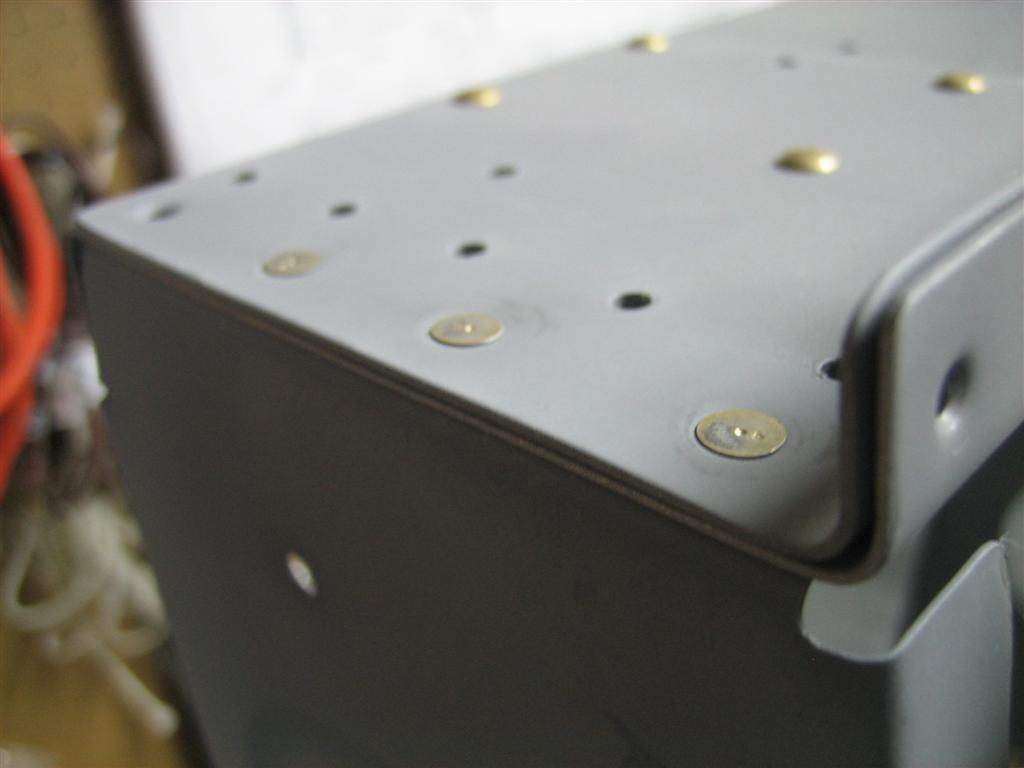
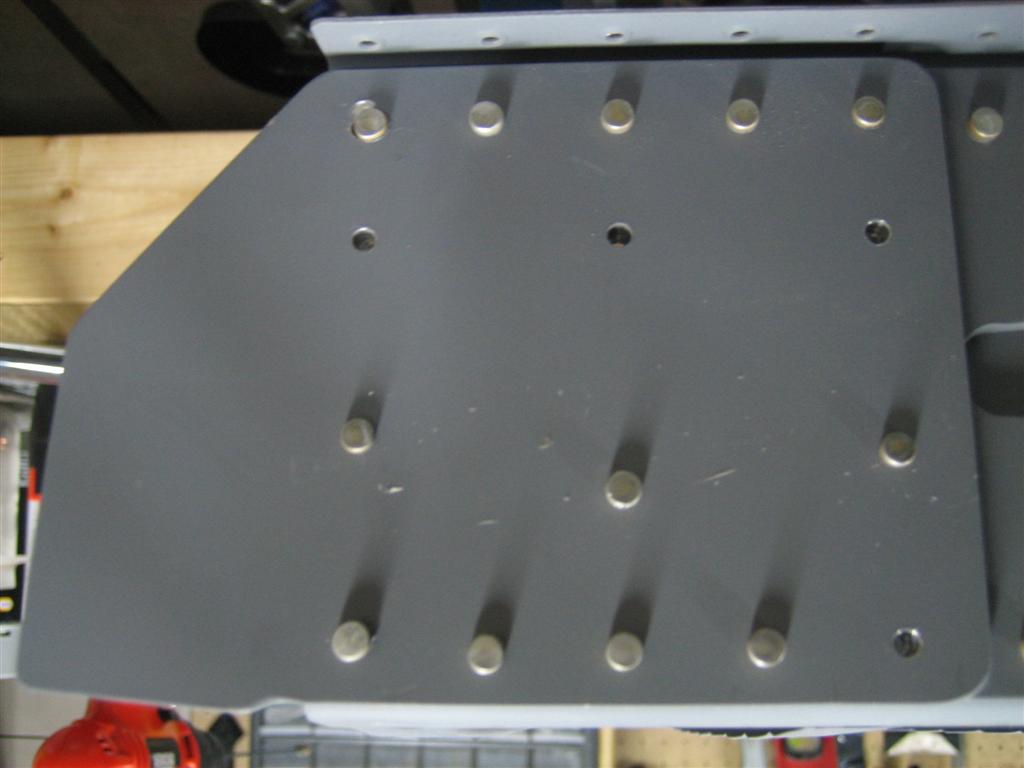
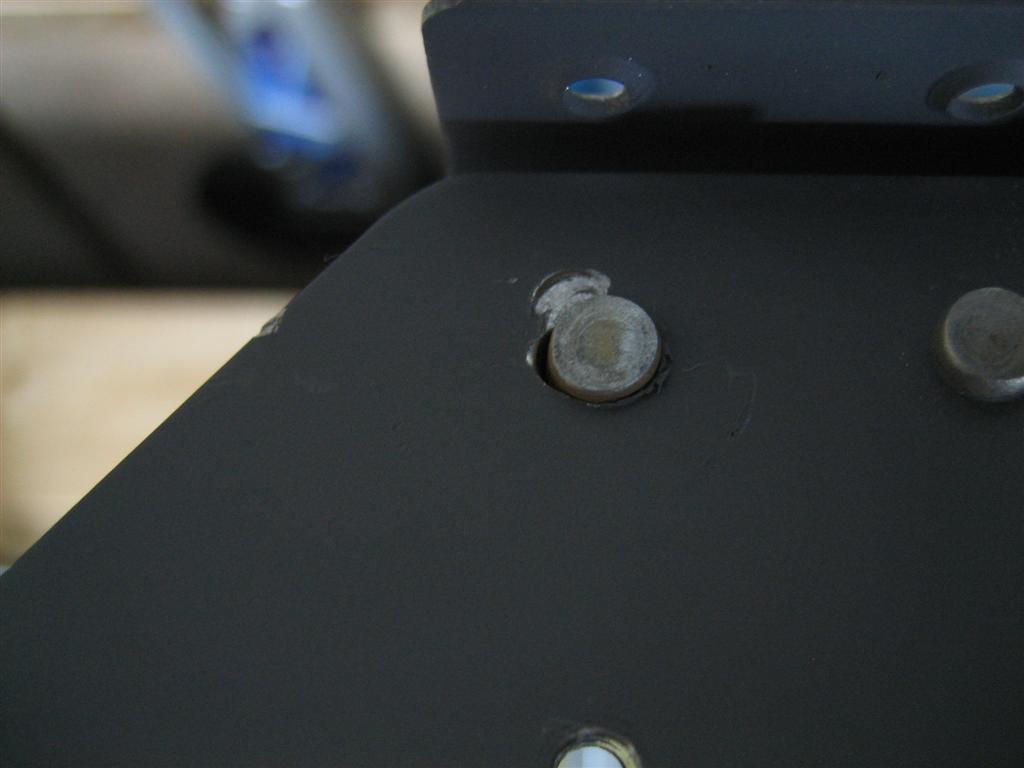
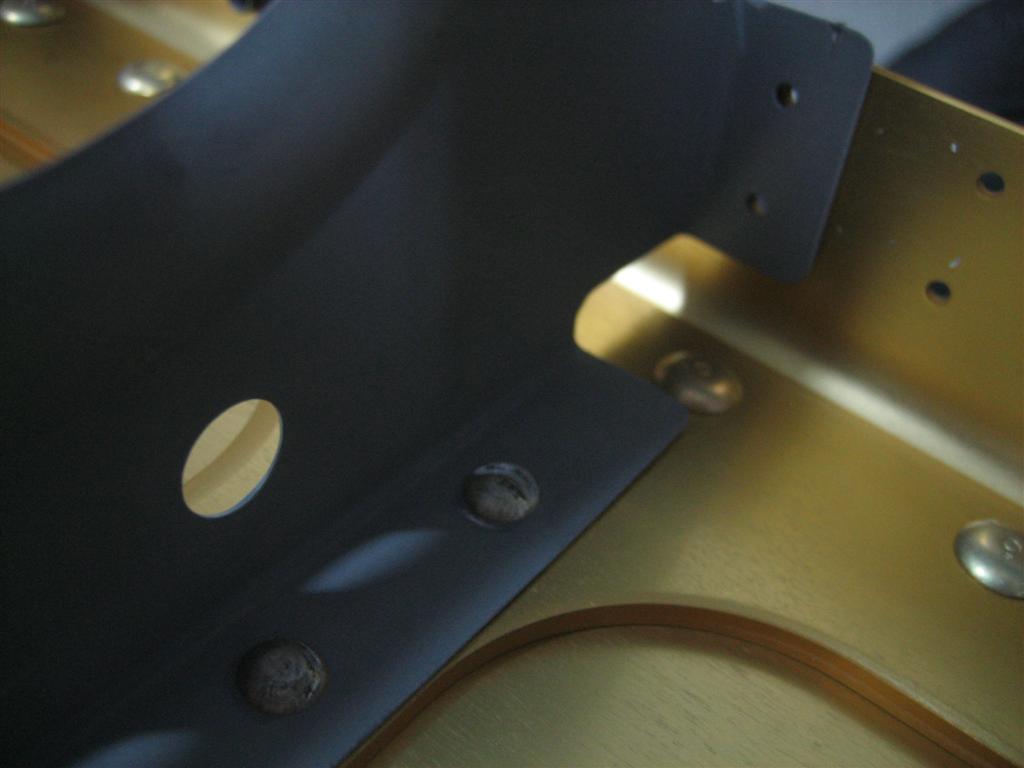
50% Clecoed Right Wing Skins

February 7, 2011

Prev | Next

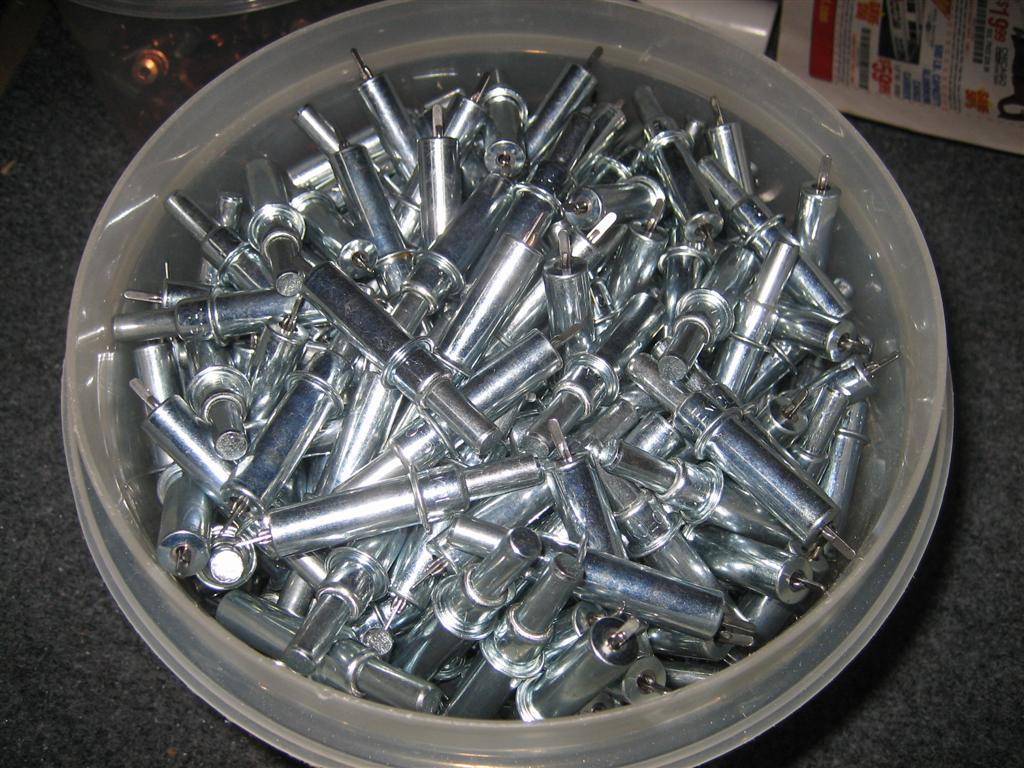
Well, my order of clecos showed up. It was in a pretty small box on the front step, but that little tiny box was deceptively heavy.

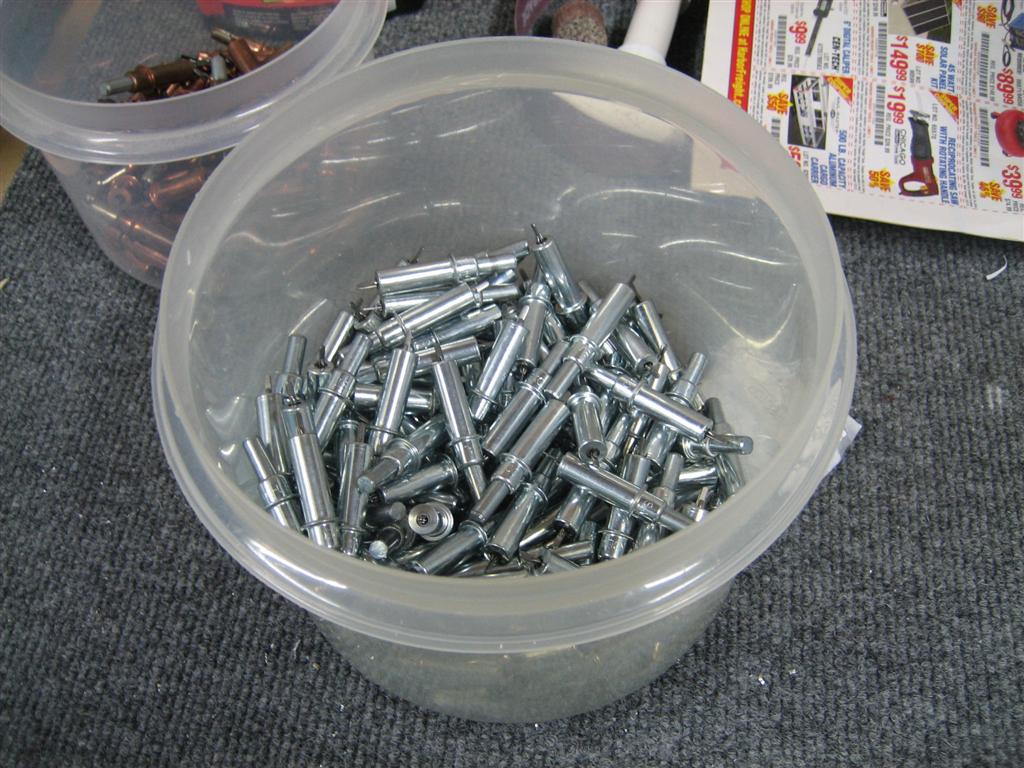
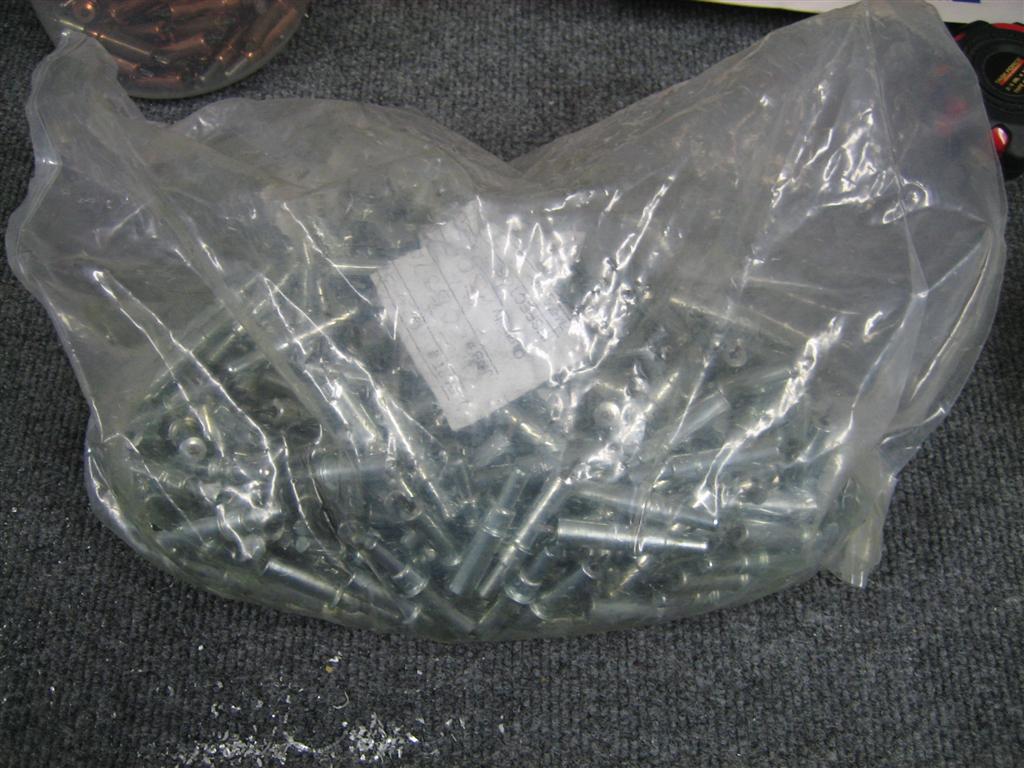
After unpacking the box, I noticed that this bag is a bag of 500 clecos.

They actually opened the bag and removed 100 clecos to get to my order of 400. I wish I had known, I would have ordered another 100 just to save them the trouble of counting them all out.

Bag o' clecos!

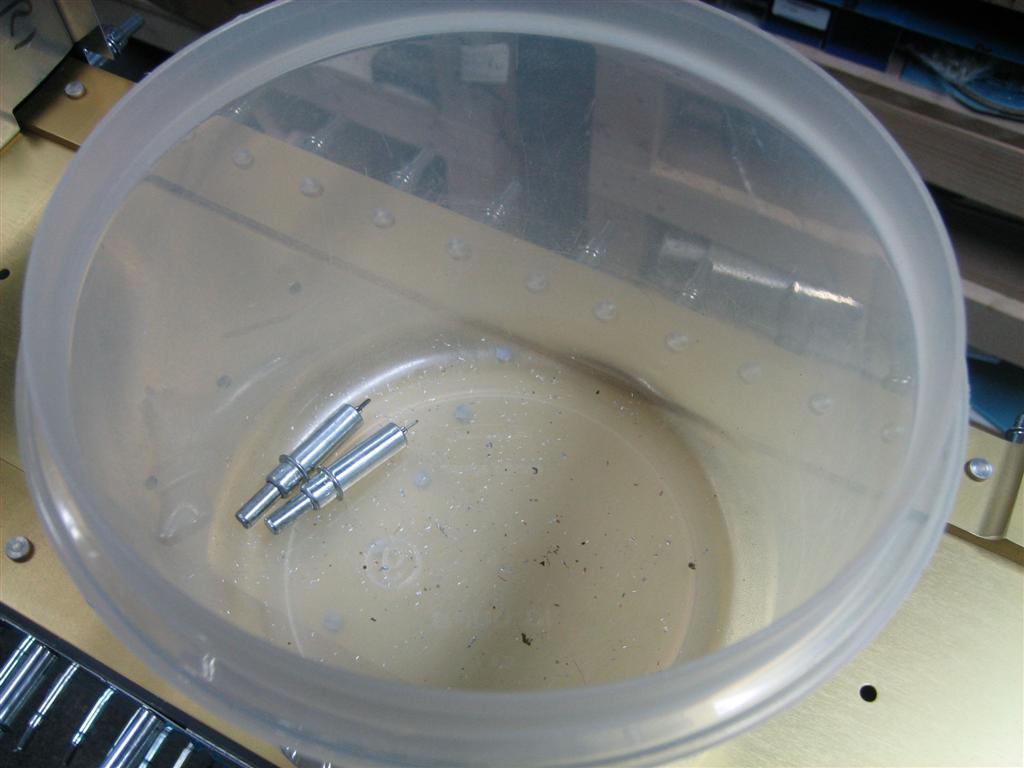
Anyway, I emptied them into my (now empty) silver cleco bin (an old tupperware container).

I even left the automatic flash on so they would shine a little extra for you.

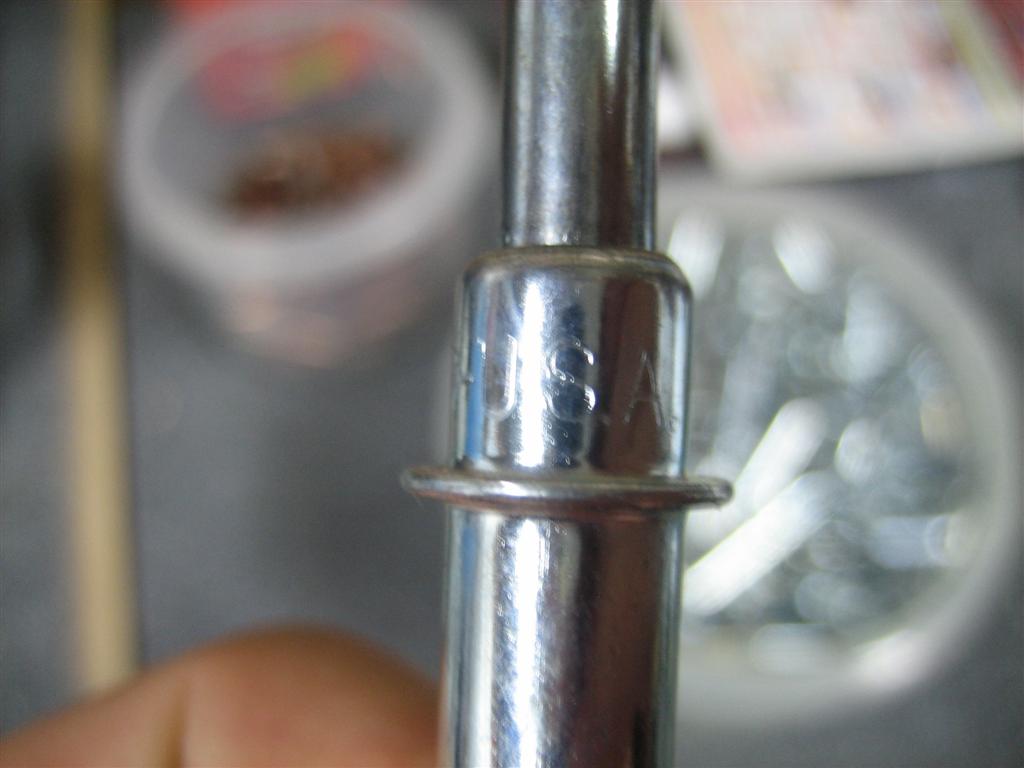
These things are brand-spanking new. And made in the USA.

U.S.A!

Some people on the forums were pointinng out that I got a heck of a good deal at $0.35 each, and they suspected they were not going to be the new, USA-made clecos.

Well, these are new.

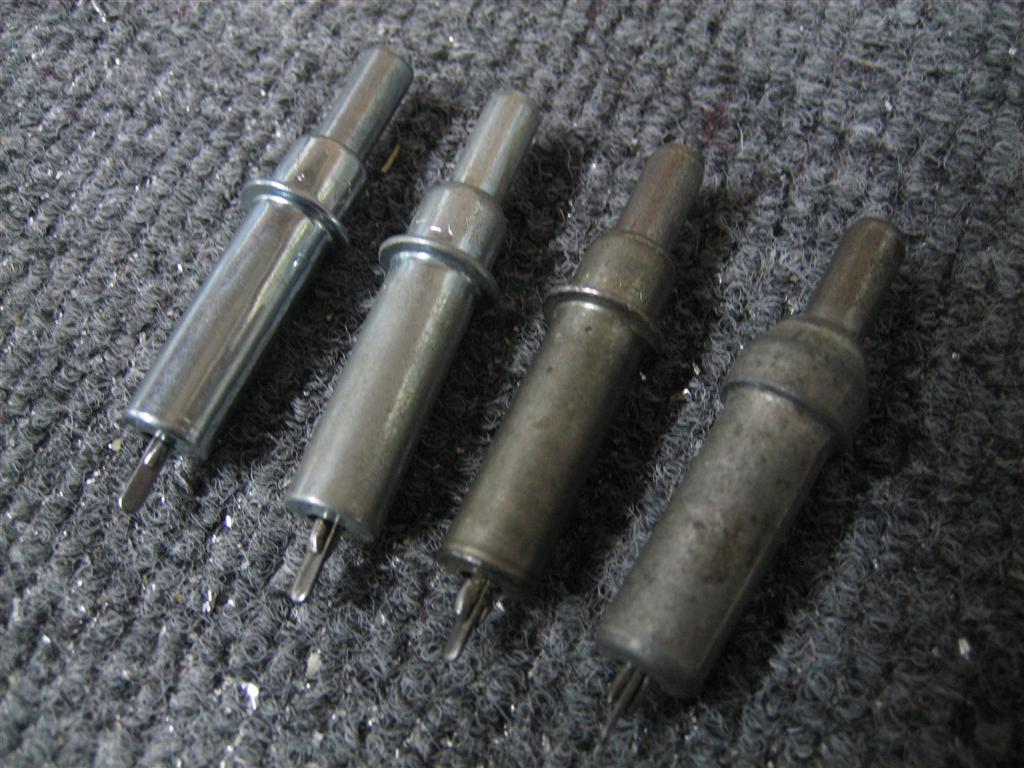
This next picture shows a few of my different kinds of clecos. From left to right:

1) Clekolok USA, new today (from Innovative Tool Supply)
2) Kwik lok USA, purchased about a year ago (from the Yard)
3) Kwik lok USA, purchased about a year ago (from the Yard’s used bulk area)
4) Unknown, purchased about a year ago (from the Yard’s used bulk area)

New to old, they all work the same. I haven't noticed any degradation of holding power.

Anyway, I then spent the next half hour sticking these new clecos into my right wing.

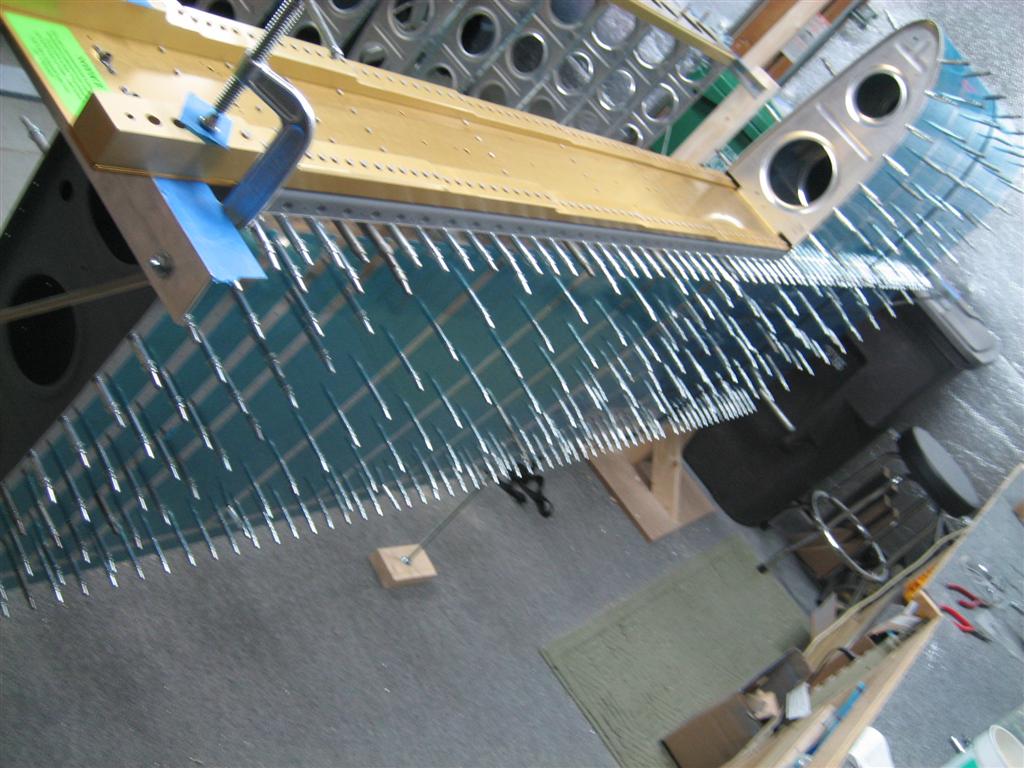
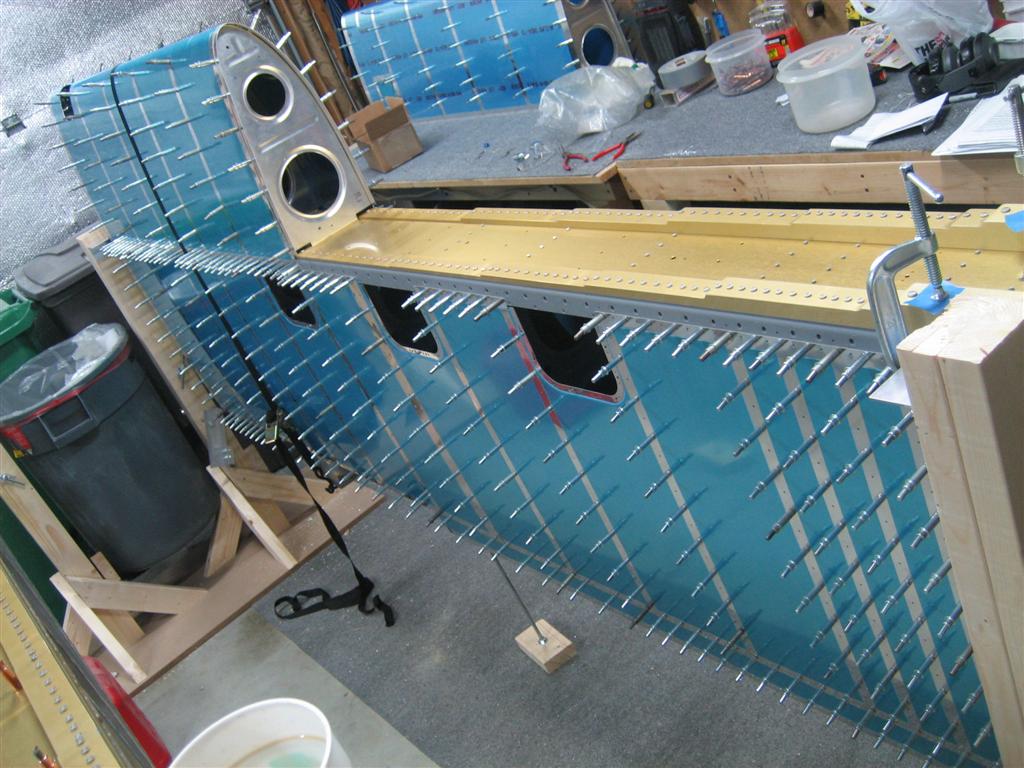
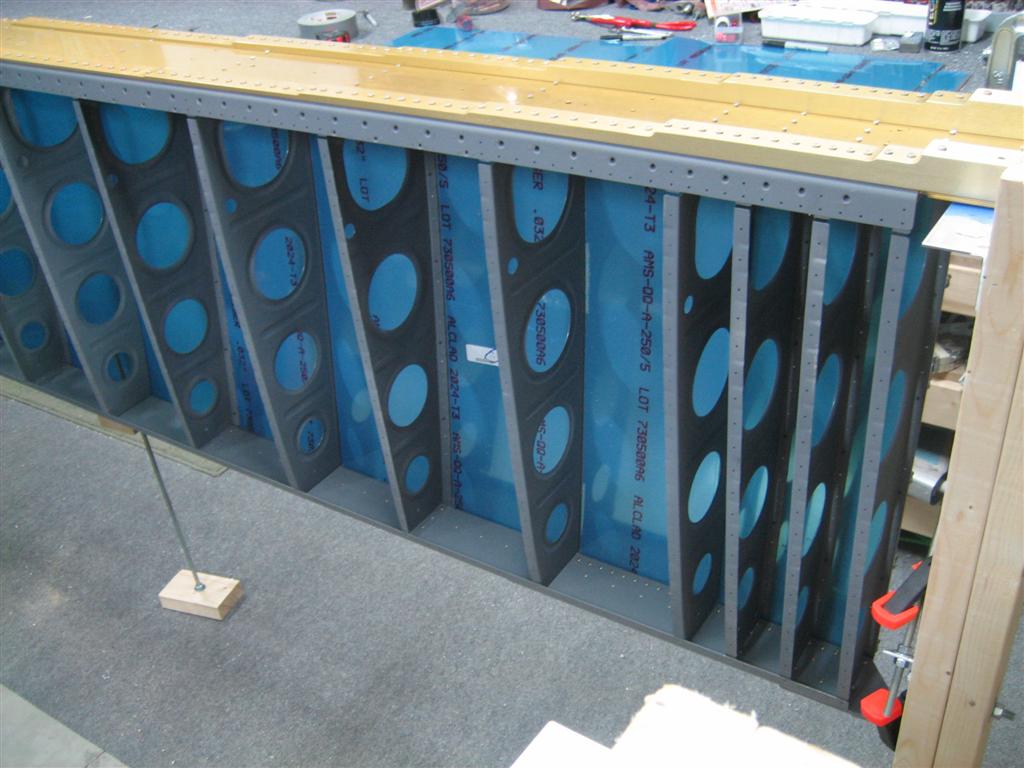
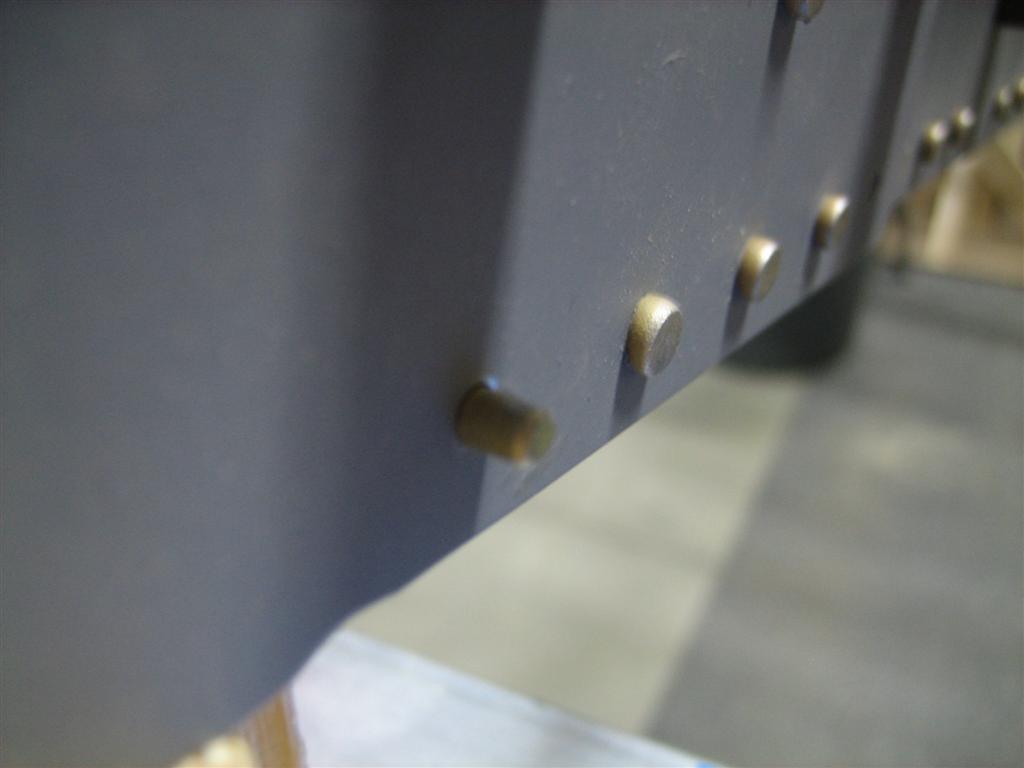
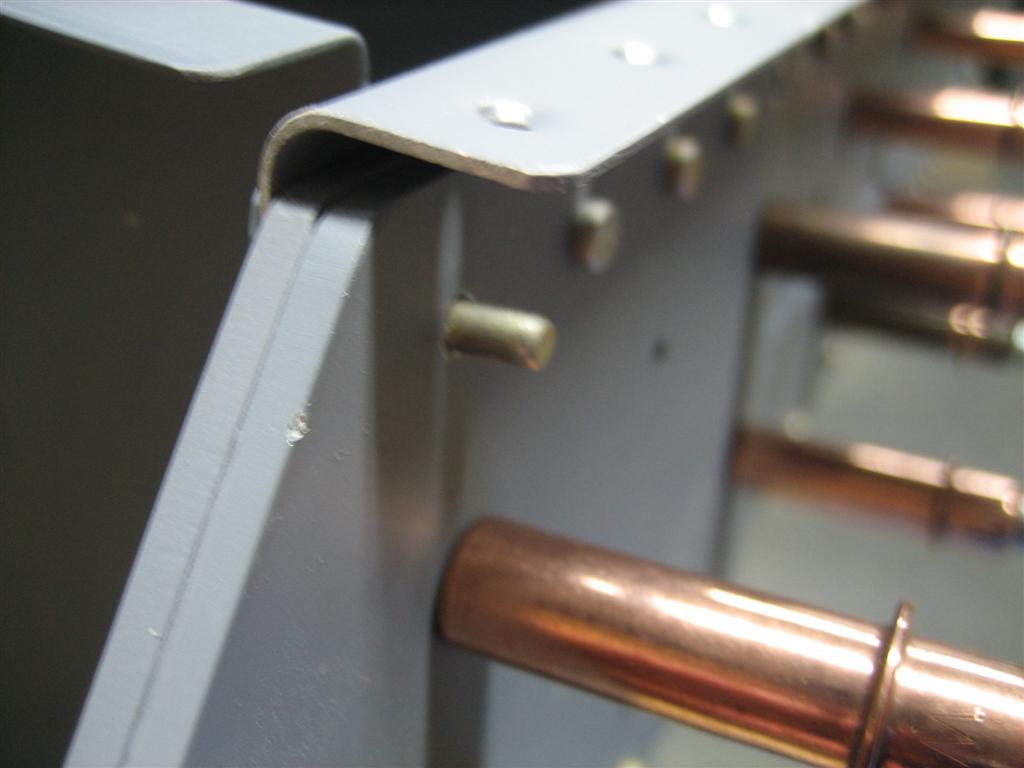
Based on a conversation with Bill Repucci, I’ve decided to mitigate all of my alignment concerns by just 50% clecoing the wing. (50% meaning every other hole, as opposed to 25%, which would be the Van’s suggested everth fourth hole.)

I have to admit, that thing is rock solid now.

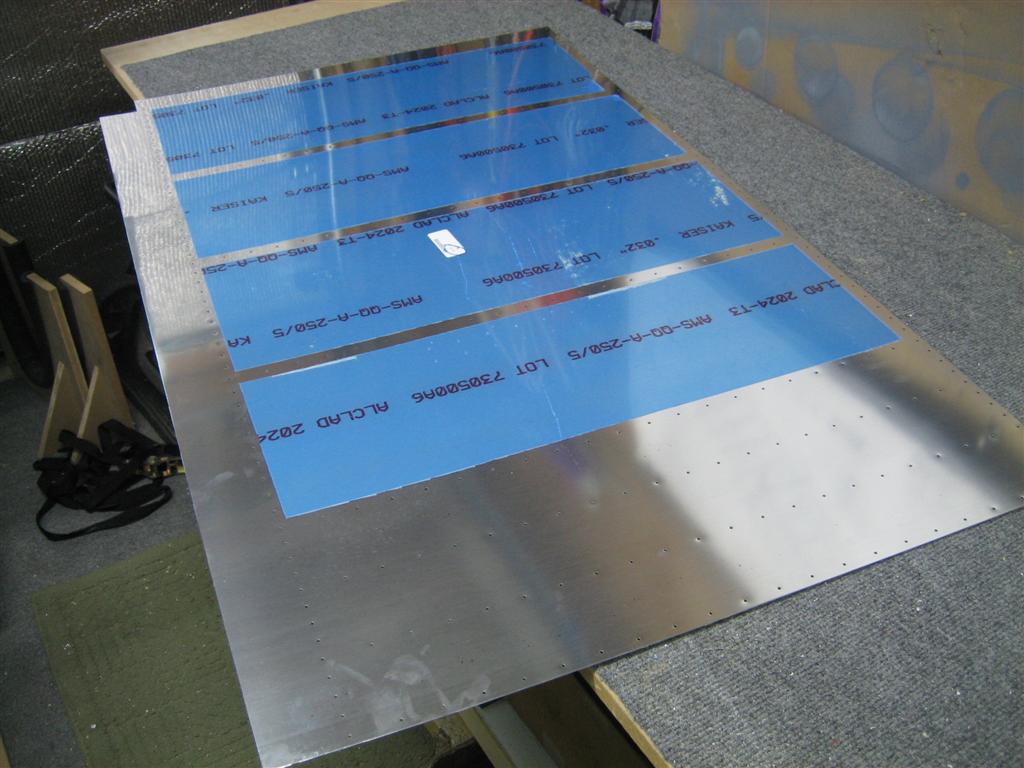
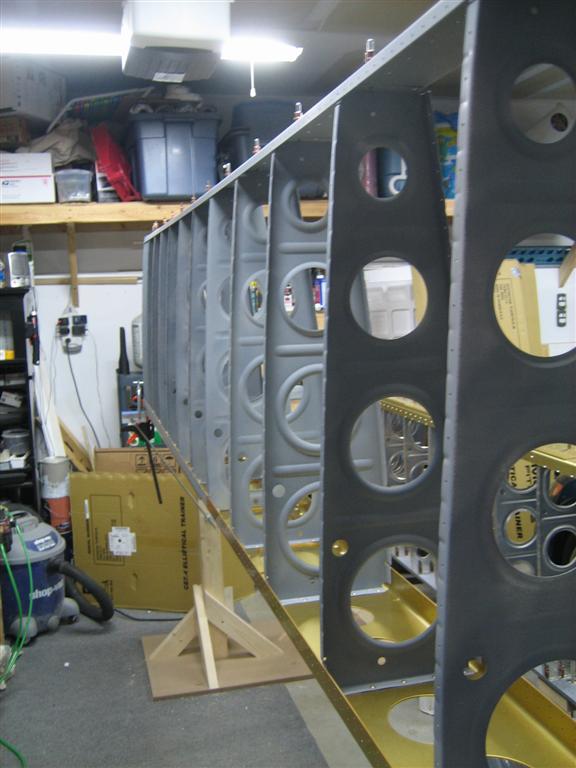
The right top skins with a cleco in every other hole.

I looked at my new cleco stash and realized I was about halfway through them already.

Crap... those went fast.

After another half hour of every other hole clecoing the right bottom skins, I reached in my cleco bucket and only had two clecoes left.

Uh oh.

Darnit.

I almost made it with 600 clecos.

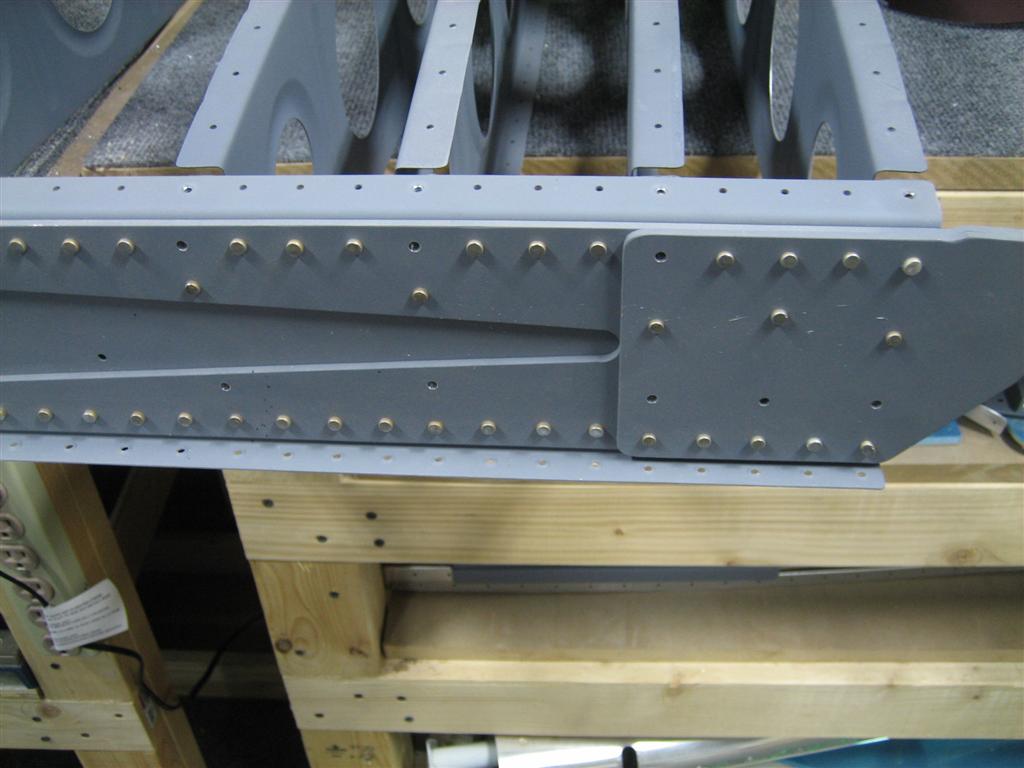
There are a few missing clecos along the rear spar (towards the bottom of the picture).

When I get to that area during matchdrilling. I’ll just move some of my clecos from other areas.

1 hour of clecoing fun.

Contrary to what other builders have to say, my hand isn’t that tired, and I therefore don’t intend on spending $200 for a pneumatic cleco runner. Take that!
Prev | Next


Roll Your Own In-Ear Headset

February 4, 2011

Prev | Next

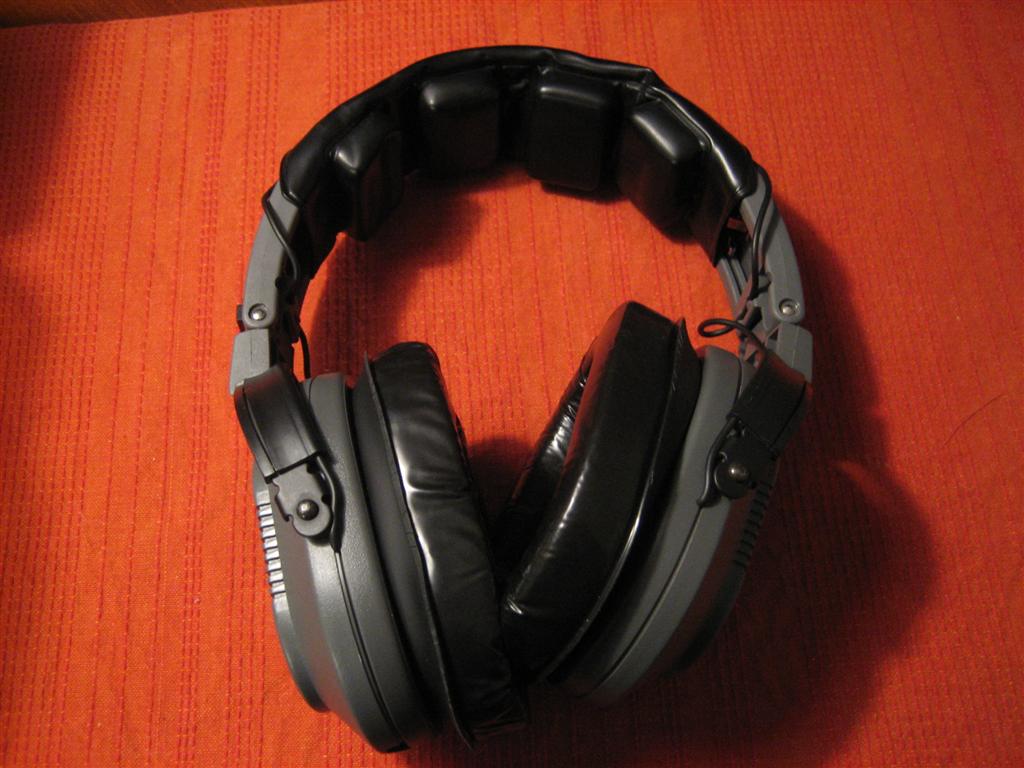
Well, after some thought, and inspiration from watching the VAF thread on cheap in-ear headset alternatives, I decided to sacrifice my cheap backup headset (and about $15 from Radio Shack) and try my hand at this in-ear headset thing.

My mom got me these really nice in-ear headphones for my birthday last year (thanks, Mom!), and I’m going to design this thing around those.

I’ve done a ton of research, but still feel a little uneducated. After finishing, I feel much better.

I started at Cozy1200.com, then moved on to wikipedia to teach myself about TRS connectors, audio-taper potentiometers, and then audio output transformers.

Okay, now that you are an electronics expert, read on.

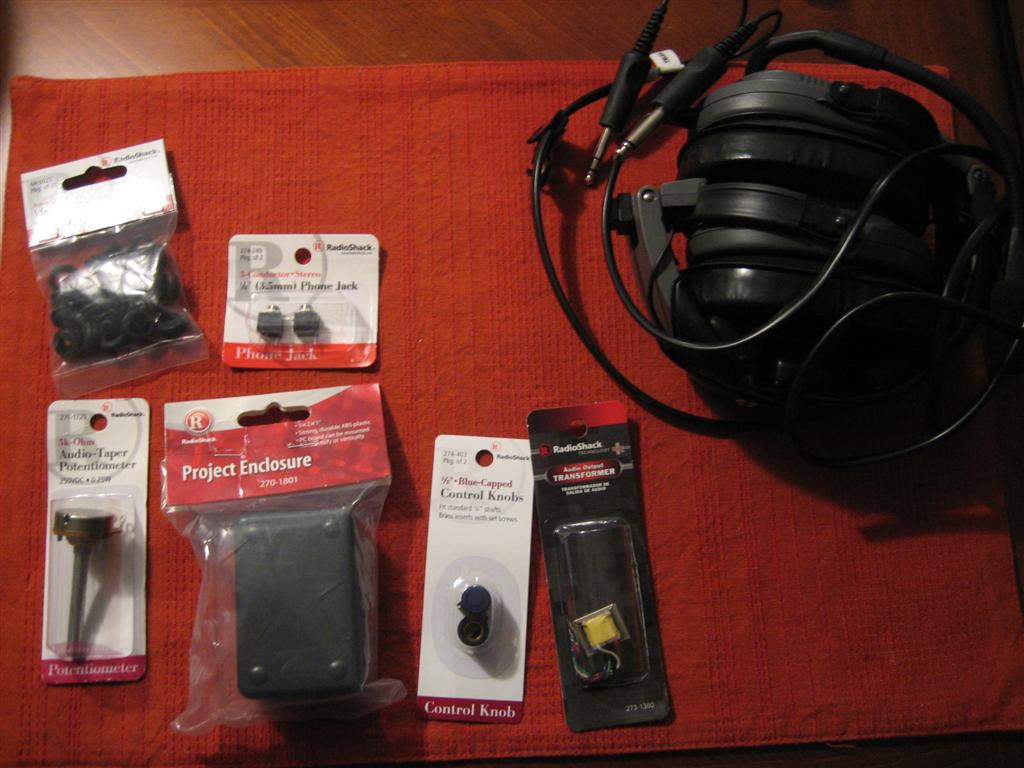
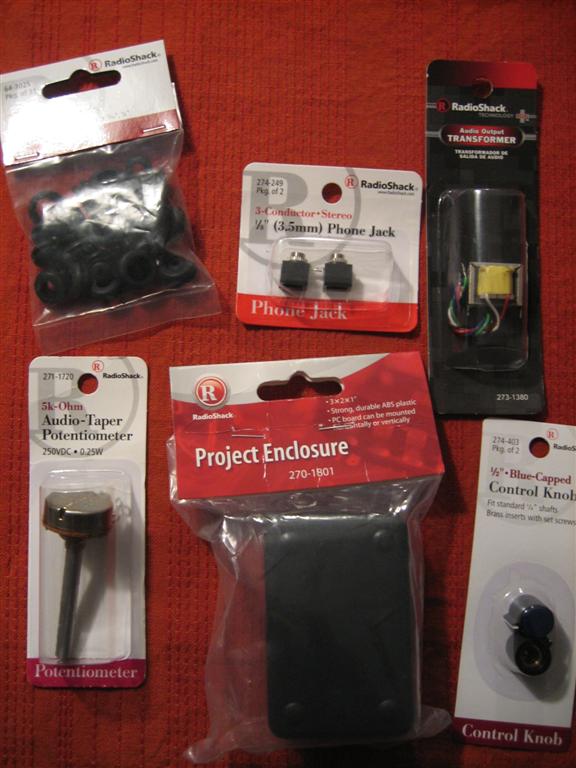
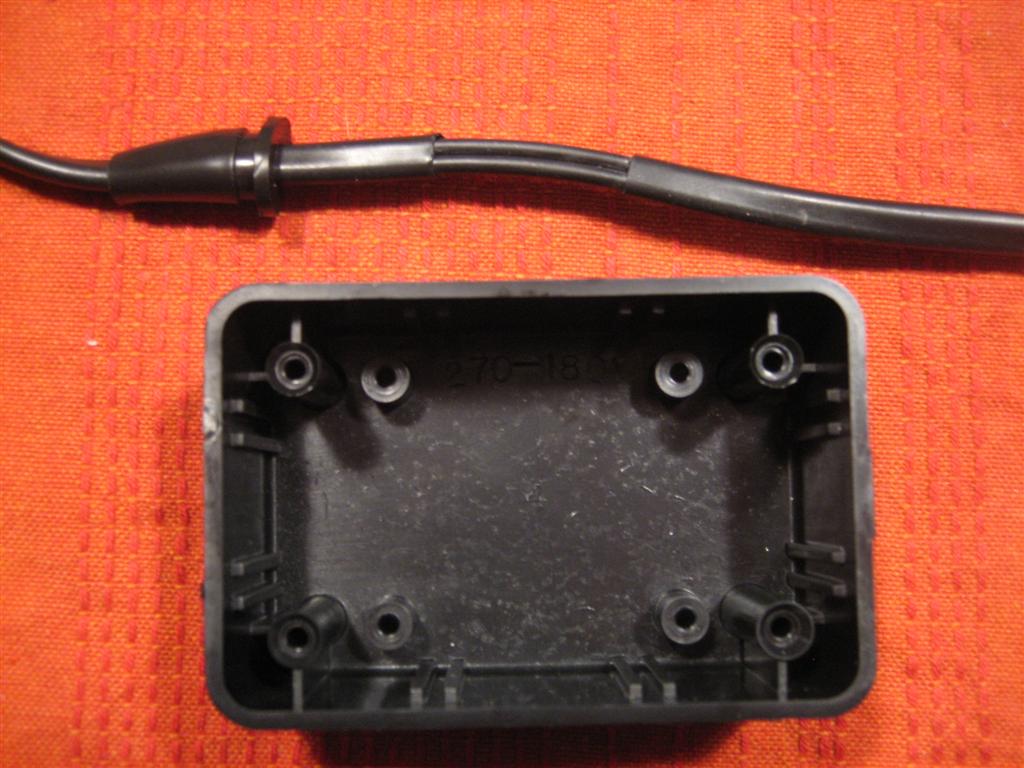
Here’s everything I got from Radio Shack. Since I’m sacrificing an existing headset, I didn’t need the jacks, plugs, and microphones from aircraft spruce or anything.
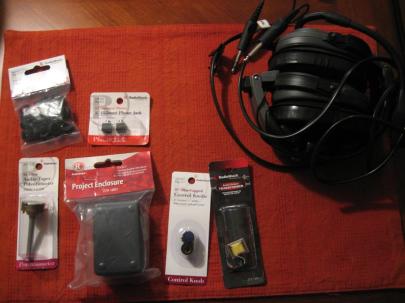
Christmas in February. Total cost ~$15.

Upper left is assorted grommets – $2

Right from there, two stereo 1/8″ panel-mount jacks – $3

Lower left is a 5K Ohm audio-taper potentiometer – $3

Then a 3″x2″x1″ project enclosure (perfect size) – $2.50

Then two 1/4″ knobs (for the potentiometer) – $2

Then an audio output transformer – $3
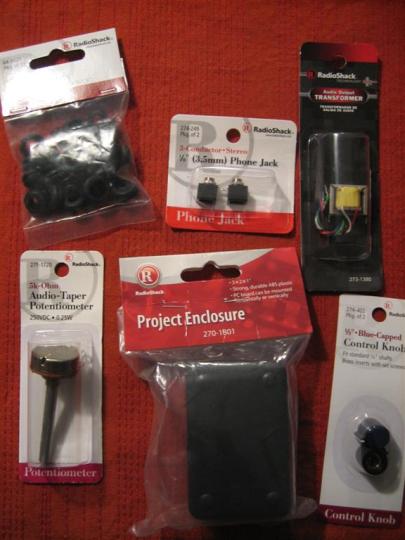
A little closer shot so you can see things more clearly.
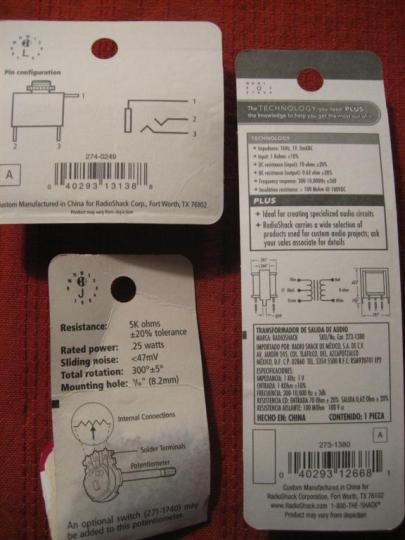
The back of some of the packaging. None of this information was helpful.

Okay, let’s get to sacrificing!

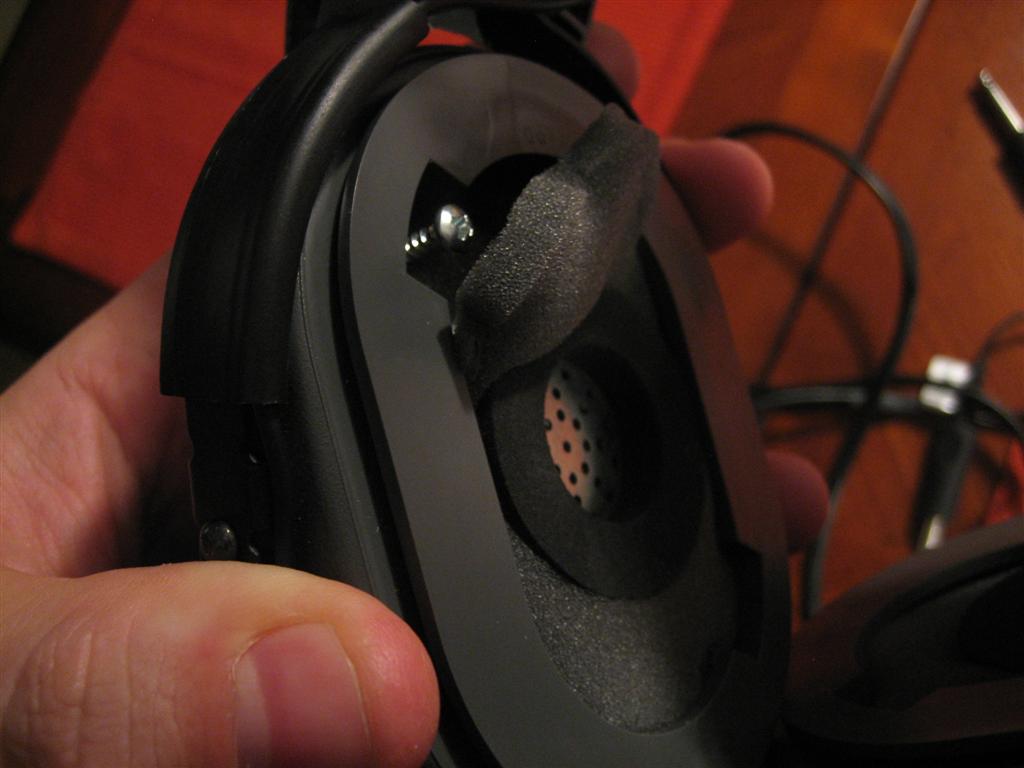
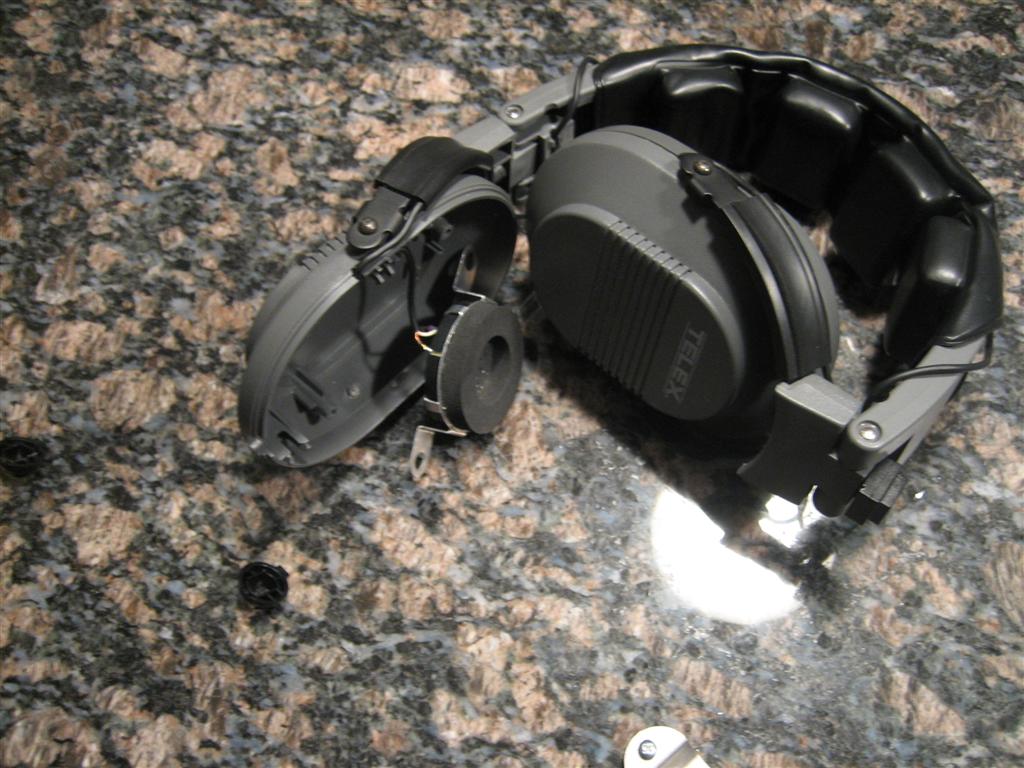
I peeled off the ear cups of my old headset, pulled back some foam, and saw a couple screws.
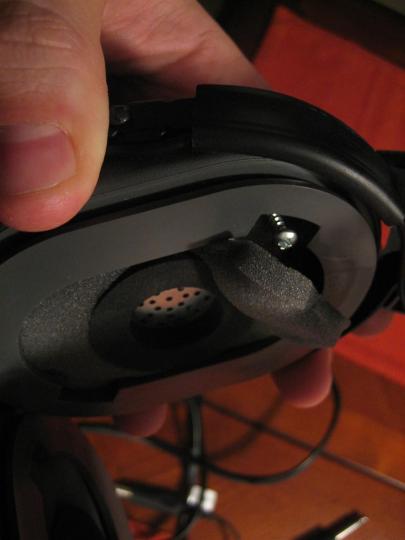
I was trying to make this non-permanent in case the project didn't work out, so I'm trying to be really careful.
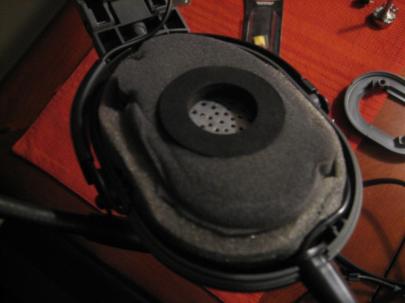
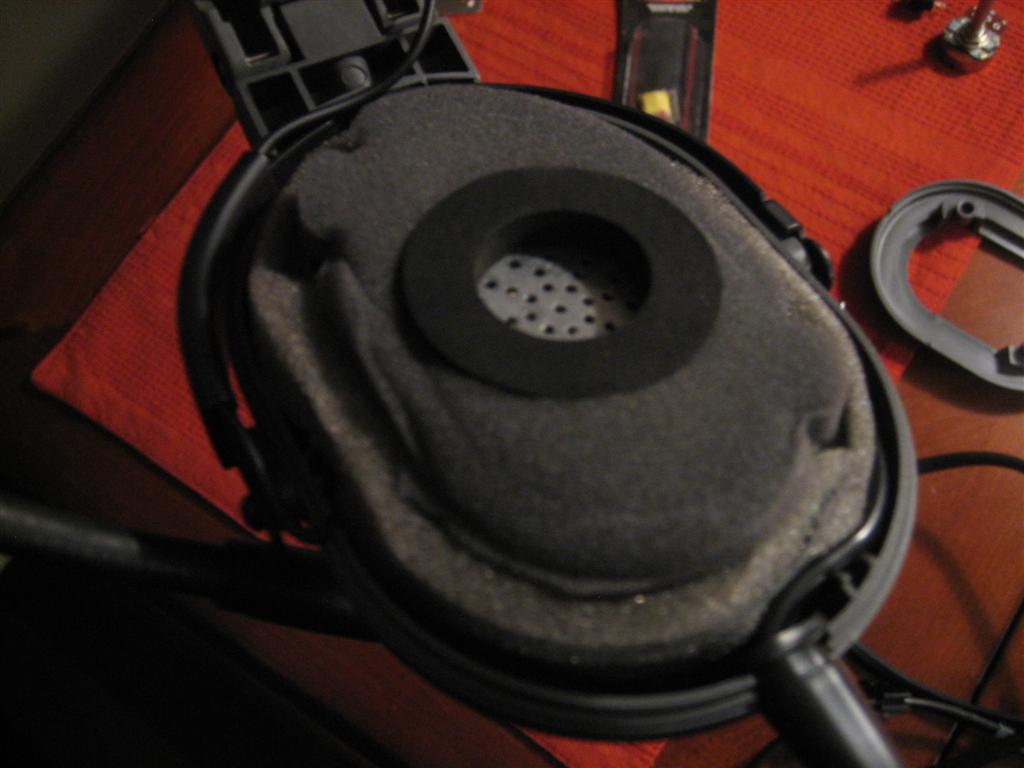
Plastic cover off.
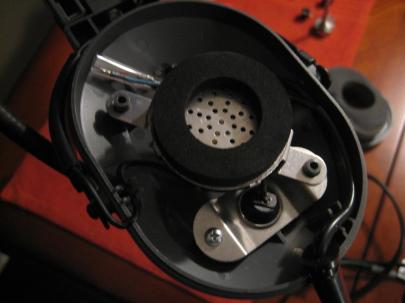
Pulled out the foam.
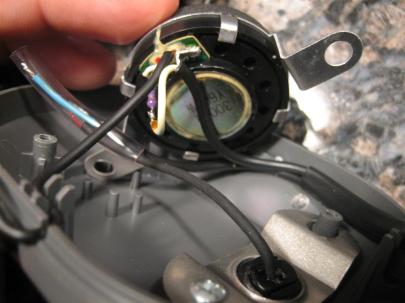
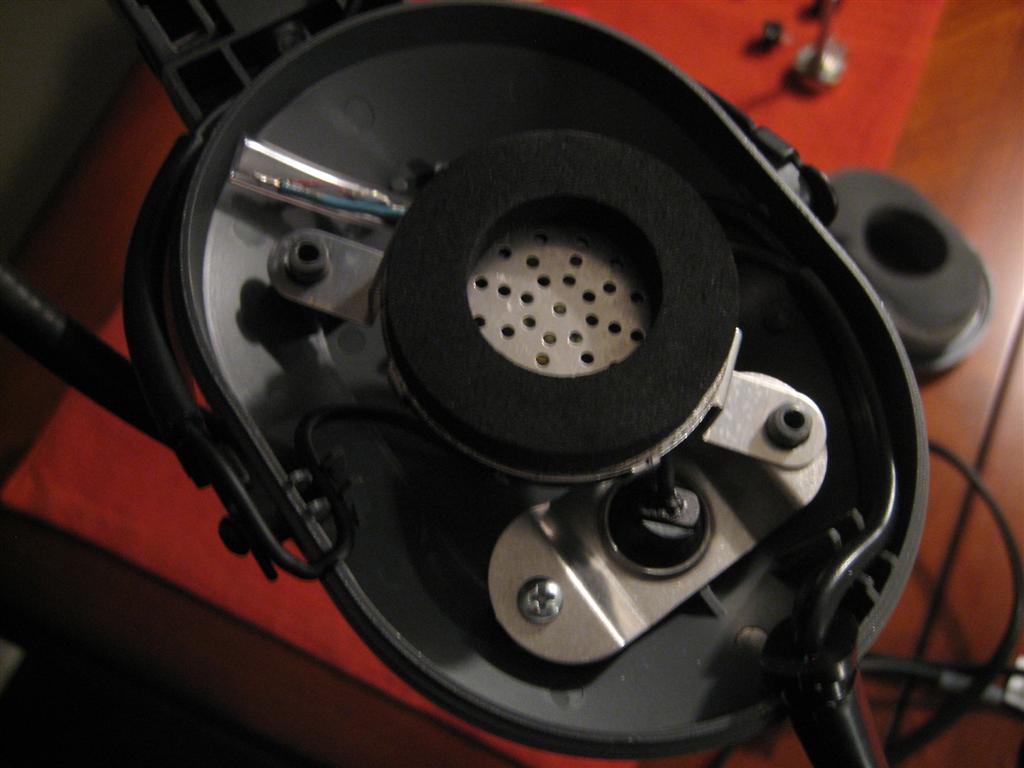
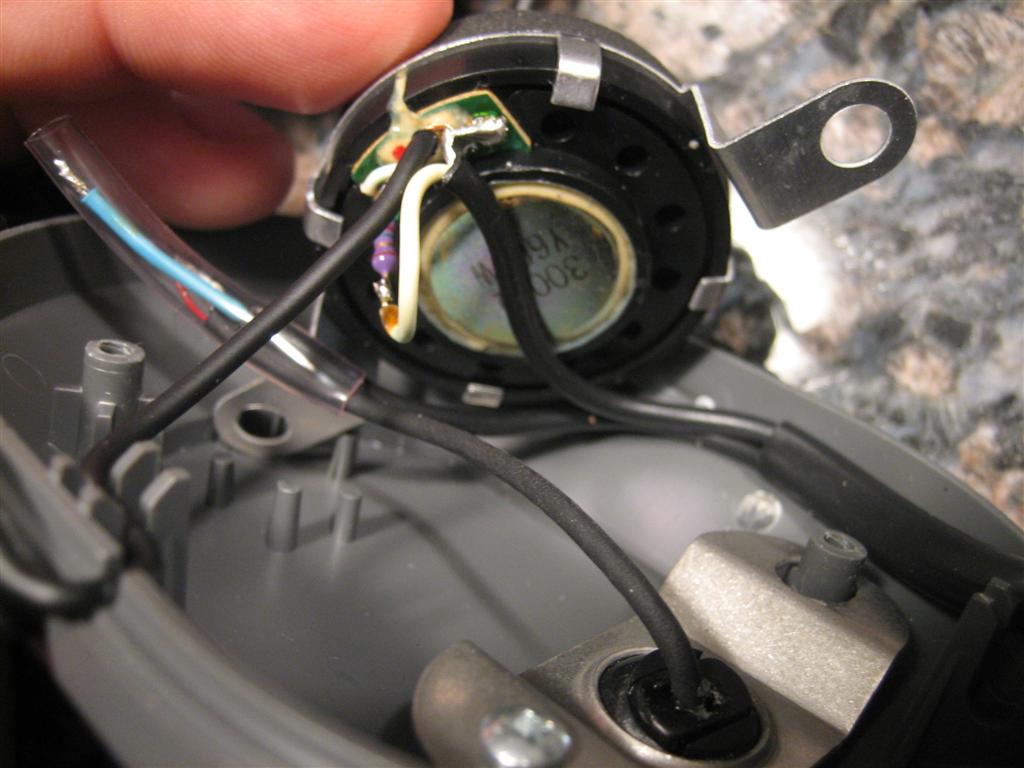
Then lifted the speaker.

The source electrons are coming in from the cord on the right. One conductor pair connects to the micrhone wires and goes back to the bottom right, which is an exit for the mic boom. The other pair goes through a resistor on the speaker and then on to the speaker in the other ear cup.

Since I am using my nice audio headphones, I don’t need to worry about the speaker stuff.

I carefully marked the microphone wires and heated up the soldering iron to start taking stuff apart.

After getting the wires disconnected, I unscrewed the retaining plate (lower right corner of the previous picture) and took apart the little plastic ball that holds the boom in place.
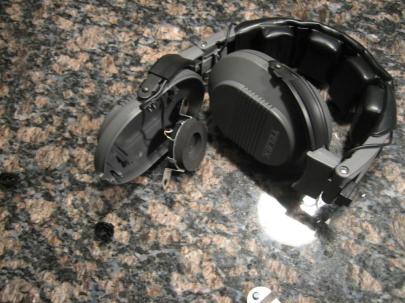
Headset with no more connections.

Sweet. Now I have what I need, the mic, boom, and cords that go to the proper aviation style jacks.
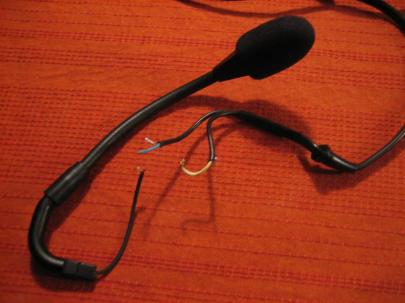
Green plus shield is for mic, yellow plus shield is for speakers.
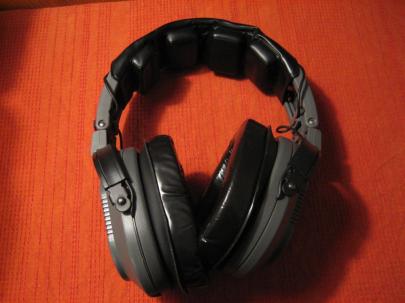
I put the headset back together so I could still use it for noise attenuation.

I had this grand plan to not even touch the mic wire. I’d just let it run straight through the project enclosure.

I stripped a little covering off of the wiring run and tried to figure out which wire to cut.
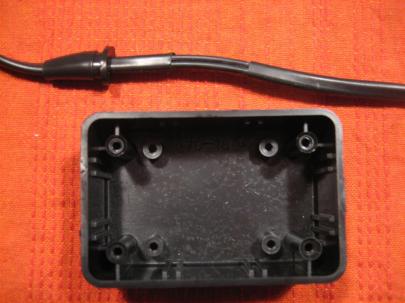
This is going to work great.

Then, I proceeded to find the mic wire, run my finger down to my now stripped wire run, and…

CUT THE WRONG WIRE!!!!!

Ugh.

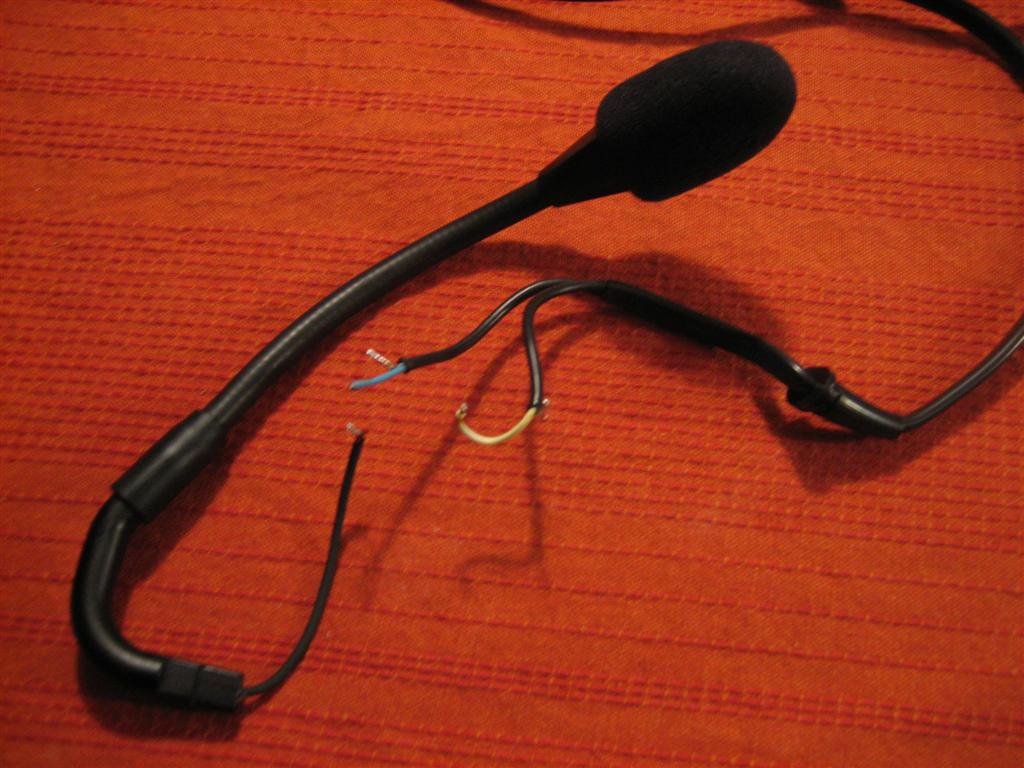
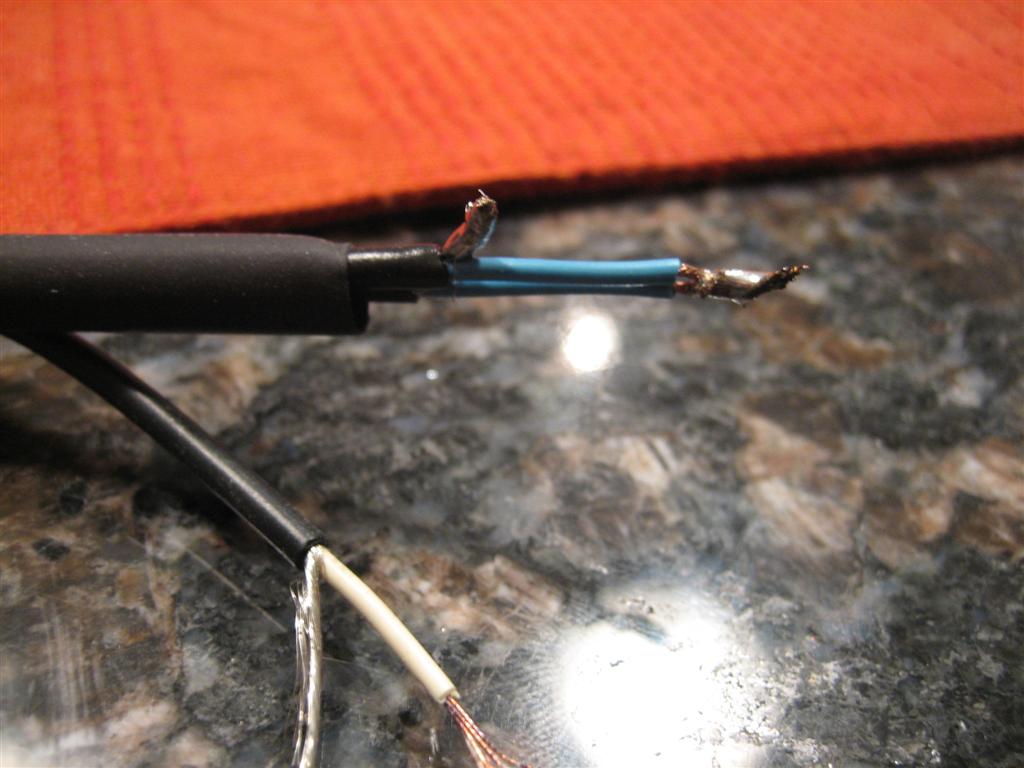
So, I went ahead and cut both.
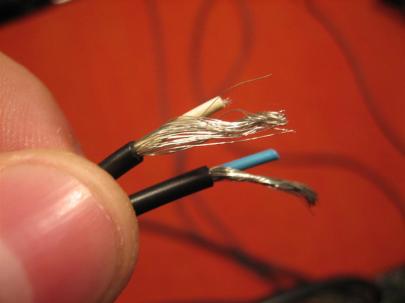
Here's what they look like up close.

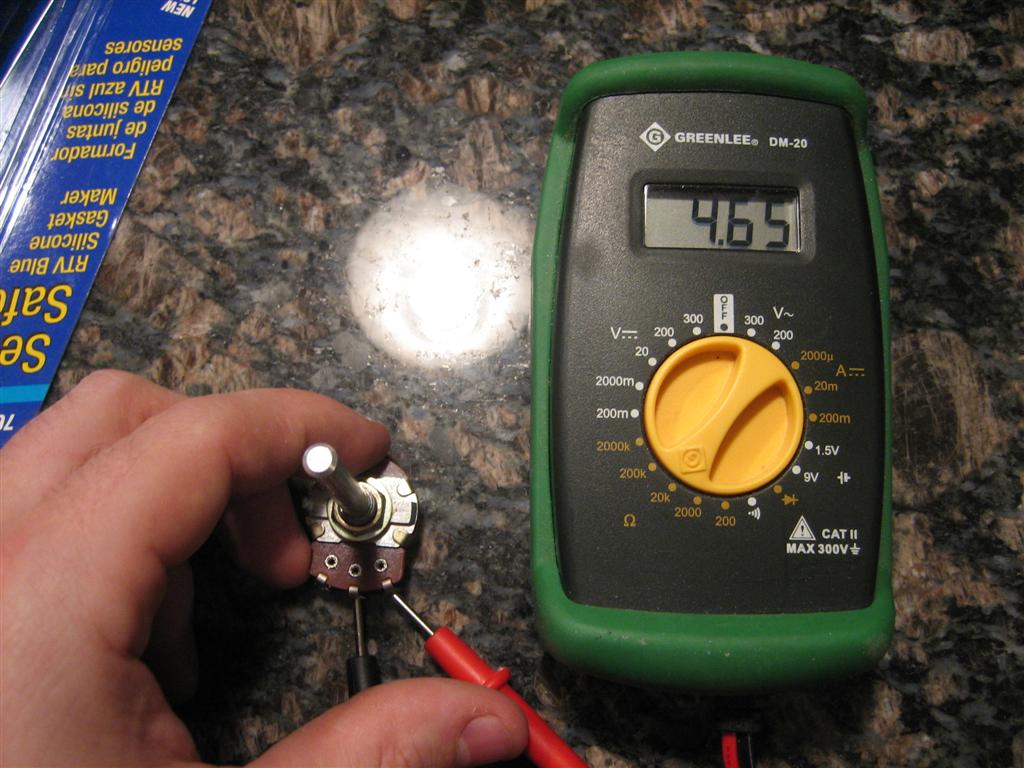
Before I get too far with wiring, I need to figure out how this potentiometer works.

First, I hooked up my multimeter across the two outer terminals, and it read 4.65 KΩ no matter what the position of the pot.

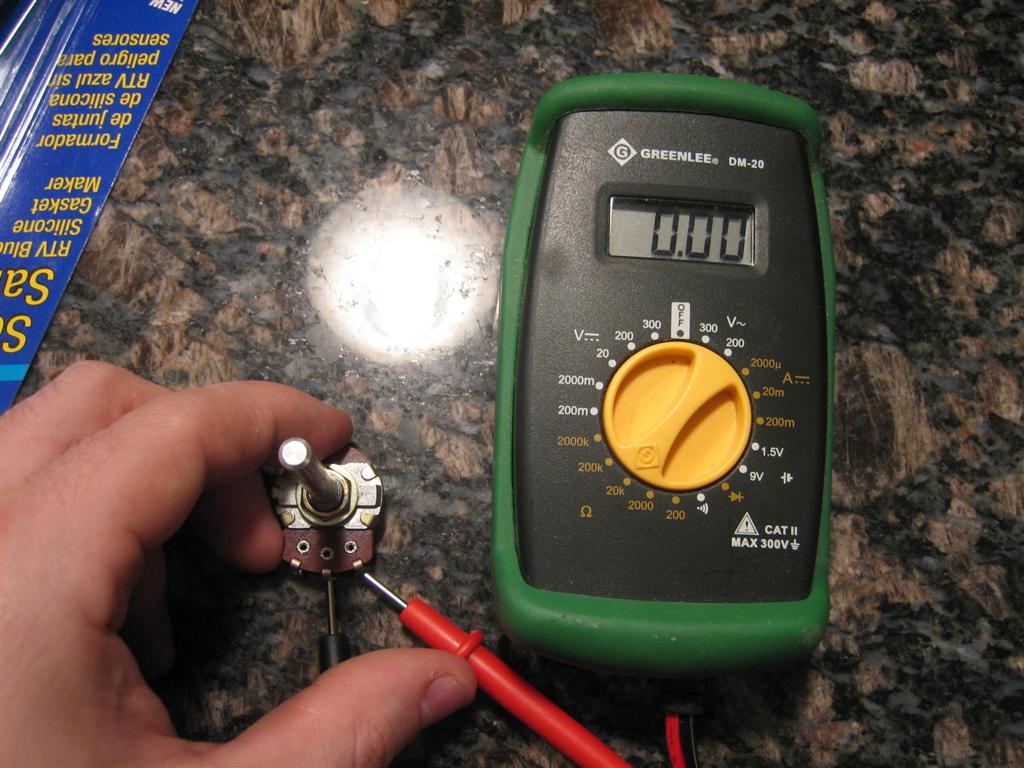
Then, I hooked up my multimeter across the left and center terminals, and it read 0.00 KΩ when turned counter clockwise and 4.65 KΩ when turned counter clockwise. (I want a lot of resistance (no signal) when it’s turned counterclockwise).

Sure enough, when I hooked it up to the right and center terminals…
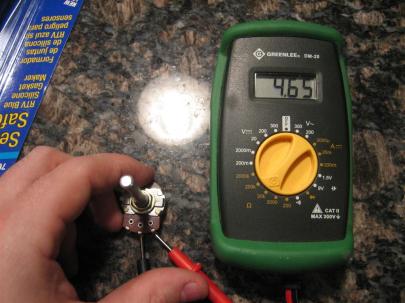
...4.65 KΩ when turned counter clockwise...
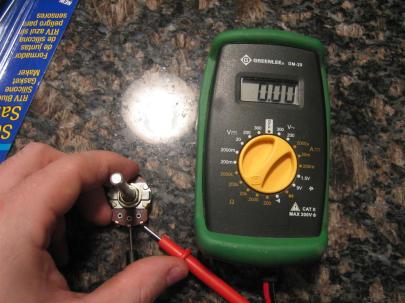
...and 0.00 KΩ when turned clockwise.

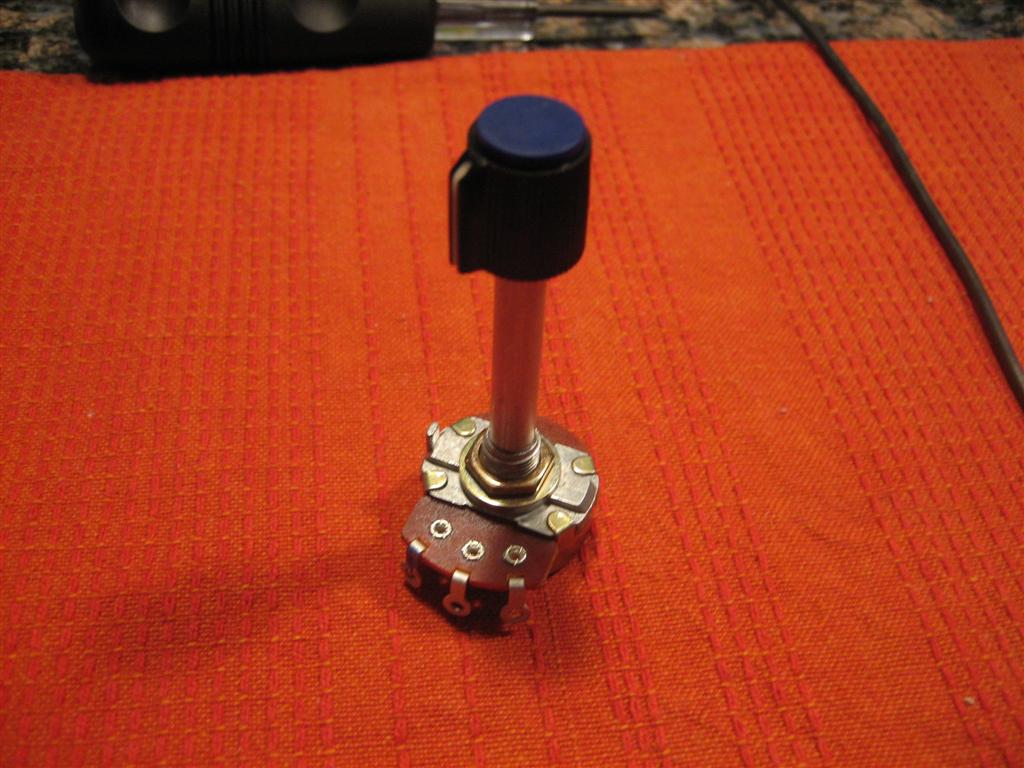
Now, let’s attach the knob.
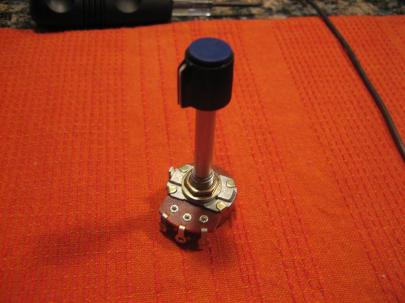
Umm... down in front?

I took it out to the garage and did a little metal removal.

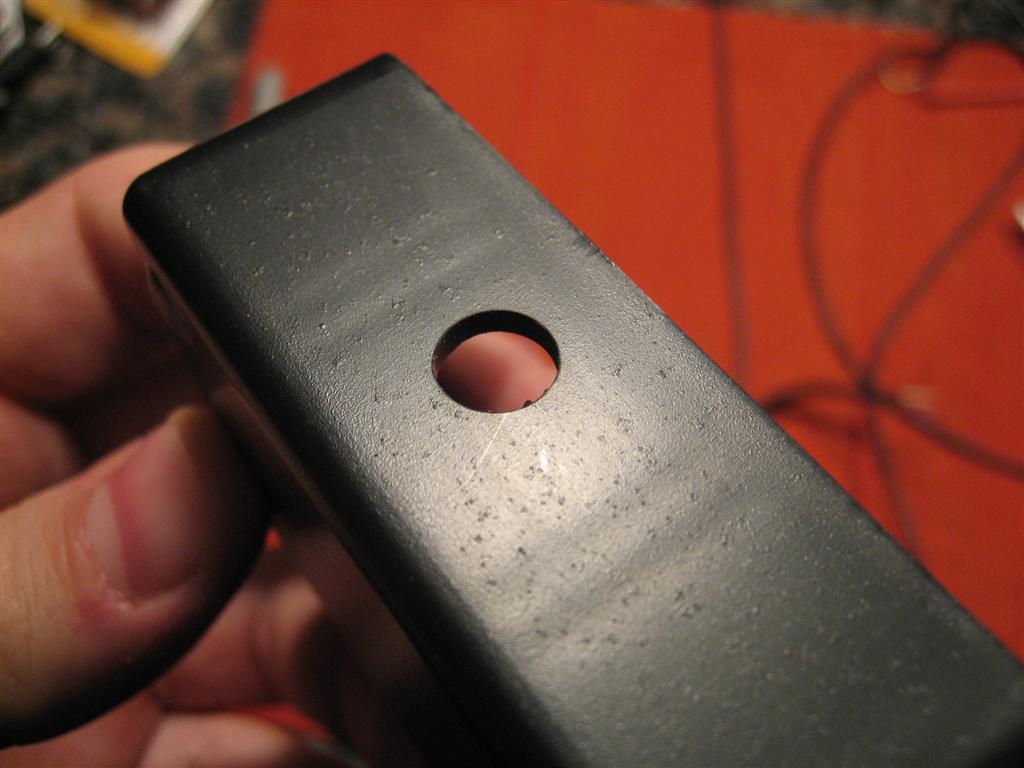
Then, back inside to drill a few carefully place holes in the project enclosure.
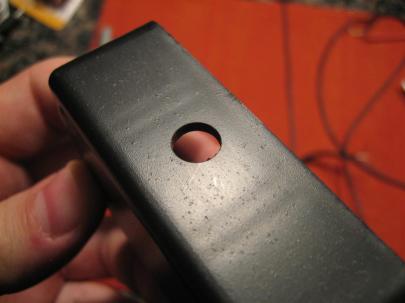
It's a hole!

Okay, I’ve thought carefully how I want this laied out. I’m going to lay this thing on it’s edge to the left of my left thigh when flying.

So, the volume knob is on top, the wires going to the plane jacks can go forward (or aft, because the knob turn direction is constant no matter which way the box is rotated), and the microphone and headphone jack will be on the other side.

Clear as mud?
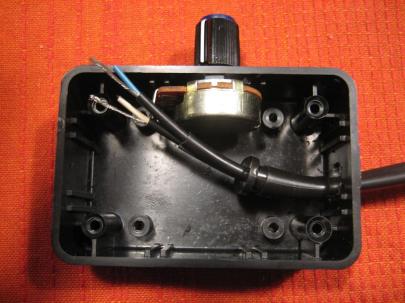
There's the knob on the potentiometer. (It barely fit).

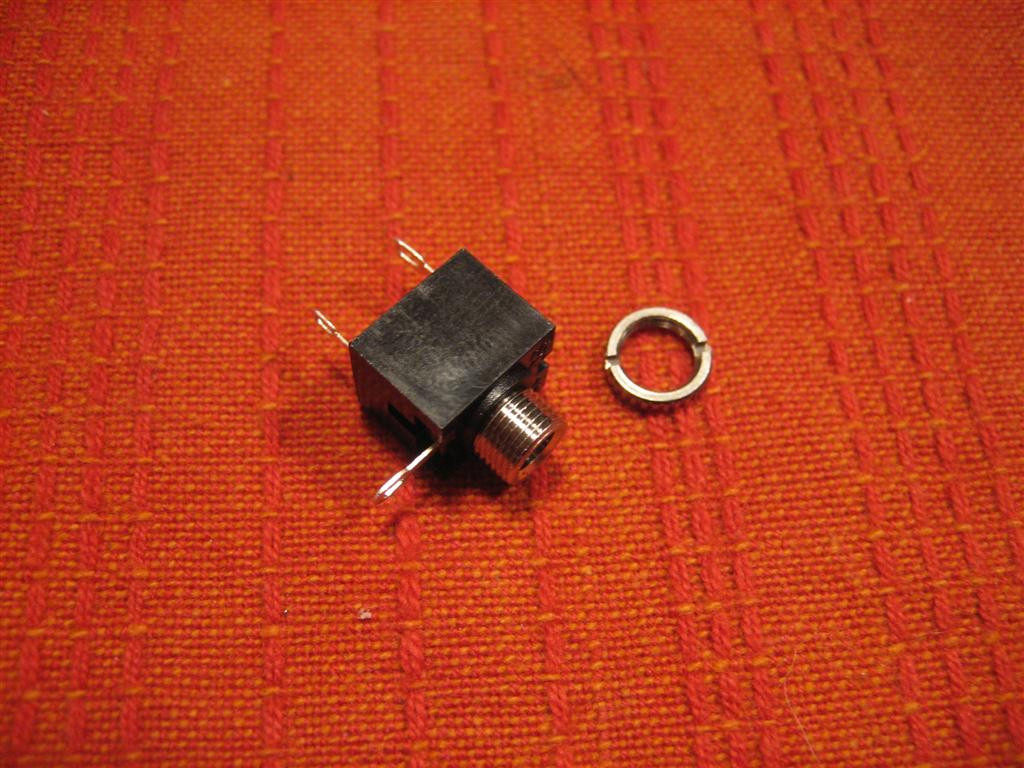
Then, I pulled out some of the other parts. Here’s my stereo 1/8″ (phone) jack that works with most headphone plugs.

Note: My original headset is mono, so instead of pulling apart the plugs to make it stereo, I’m going to make a mono version to make sure this all works out okay. If it works well, I may try again, this time in stereo (with some music inputs, perhaps?).
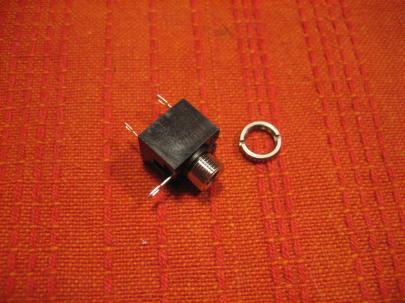
Stereo jack.

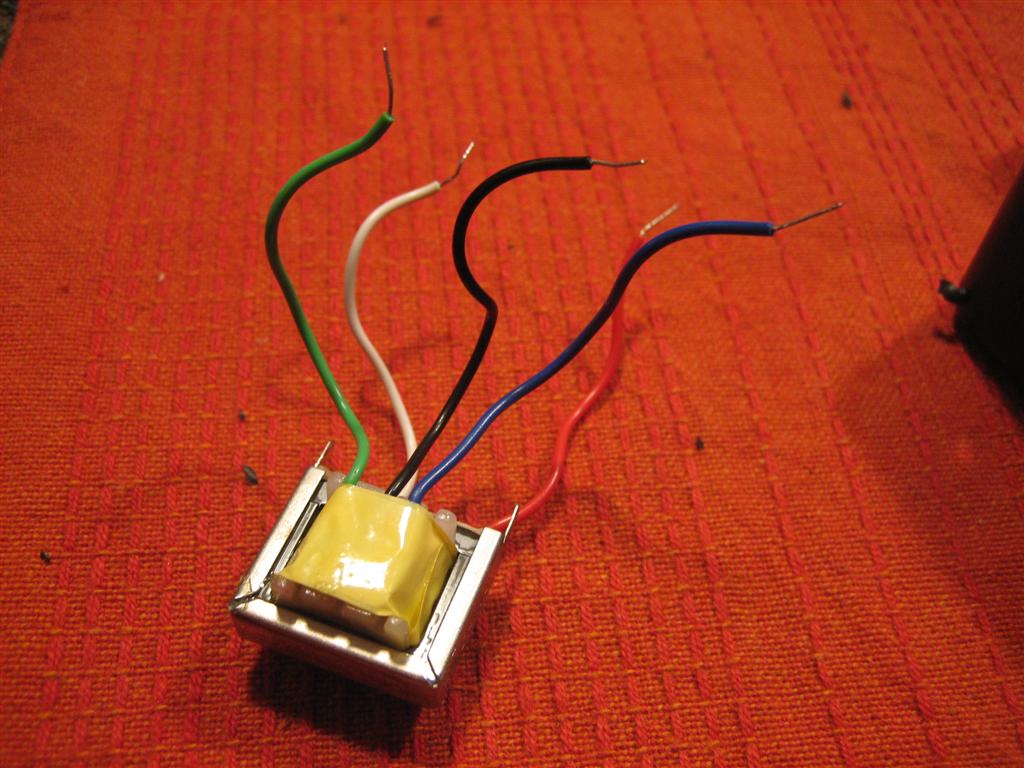
Okay, then I moved on to this really weird critter, the audio output transformer.

Without going into too much detail, there is a primary side which connects to the high impedance part of your circuit, and a secondary side, which connects to the low impedance side.

I looked at my proposed audio panel (GMA 240) and it’s output is rated at 150Ω impedance. I looked up my Klipsch headphones, and they are 18Ω impedance. I looked at my trusty David Clark headset (which seems to work great in every airplane) and it is 300Ω per speaker, or (since they are wired in parallel), 150Ω total impedance.

So I need to bump the 150Ω down to 18Ω.

“But Andrew”, you say, worriedly. “You bought a 1000Ω to 8Ω audio output transformer!!!!”

Yes, but (from my quick conversations with some of our avionics guys) the transformer is really a ratio thing.

Let’s say I just plugged my headphones into the jack. Since they are such low impedance, the audio coming from the panel would overdrive my headphones (because it’s putting enough power out for a higher impedance speaker). I’d turn the radio down so far for a correct volume that the guy (or girl) in the other seat wouldn’t be able to hear anything.

Really, it’s more important that the headphones are matched impedance, within reason of the audio output.

Anyway, if I bump down the 150Ω  by a ratio of 1000/8, it would be something like  1.2Ω. That’s no good.

Based on the back of the transformer packaging, I tested the Primary side (the one with green, black, and blue wires) of the transformer for DC resistance. It was supposed to be 70Ω.

When I tested the Green and Blue, it was 70Ω. When I tested the black and blue, it was 35Ω. Yes! I think I read something about this! I’ll just use black and blue and theoretically, I’ll get 150*(8/500) or 2.4Ω. Not exactly 18Ω, but better than overdriving the headphones.
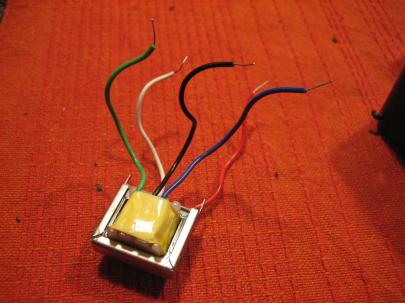
Audio output transformer, primary (1000Ω) side up.

Okay, let’s run some more wires so I can start putting this bad boy together!
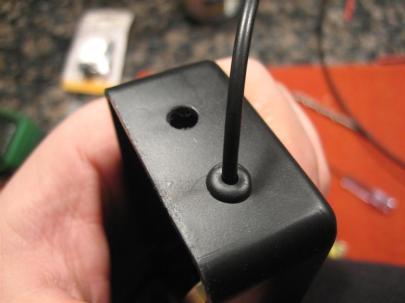
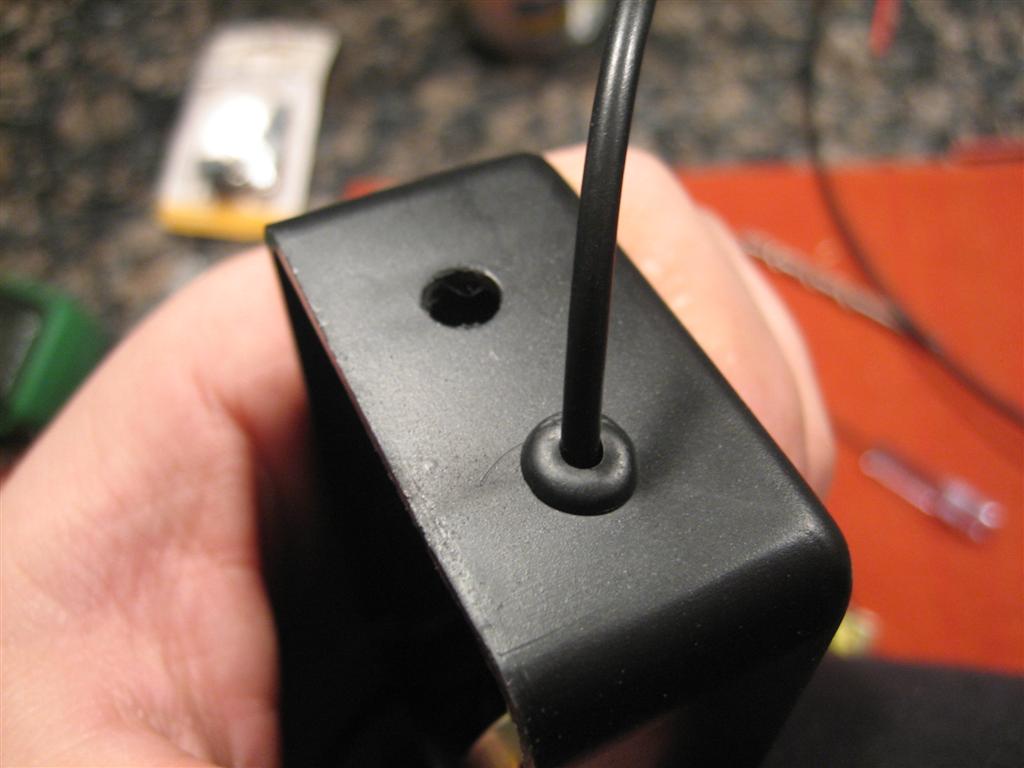
A couple of 1/4" holes for some grommets (that's the mic wire coming out) and the headphone jack.

Then, I soldered the microphone wires back together just like they were in the old headset cup.
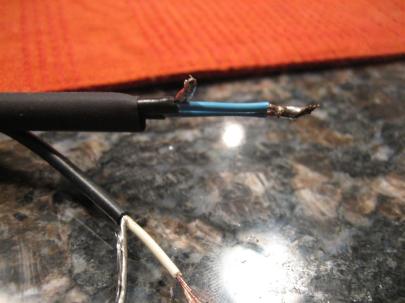
Not pretty soldering, but it will do.

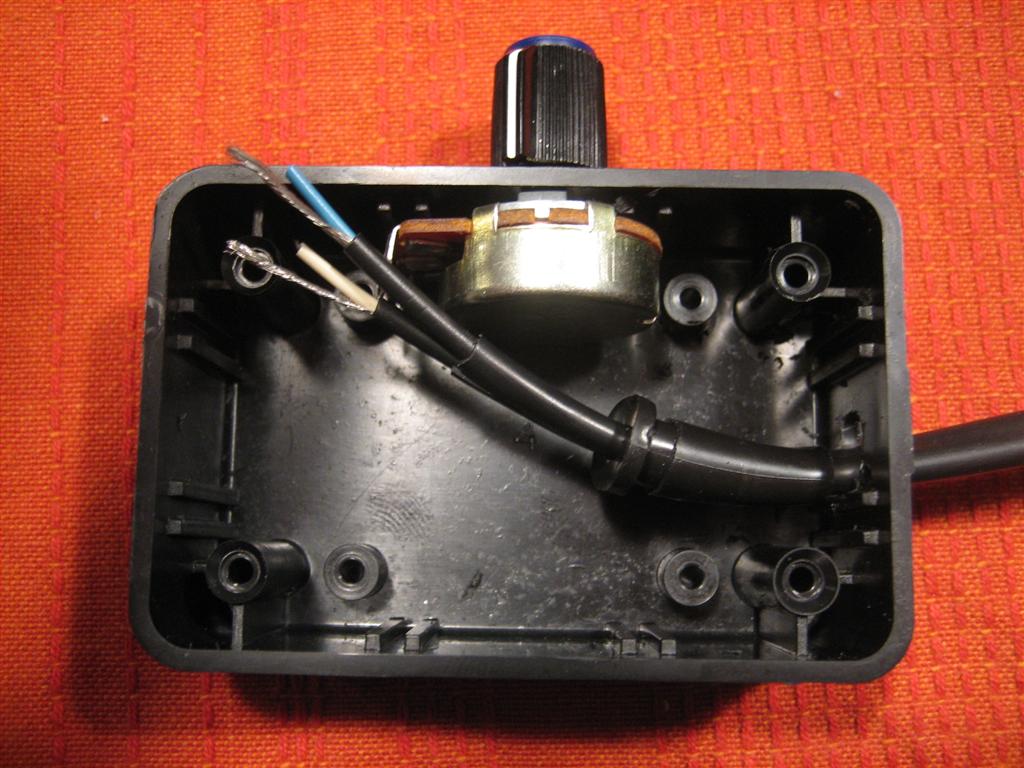
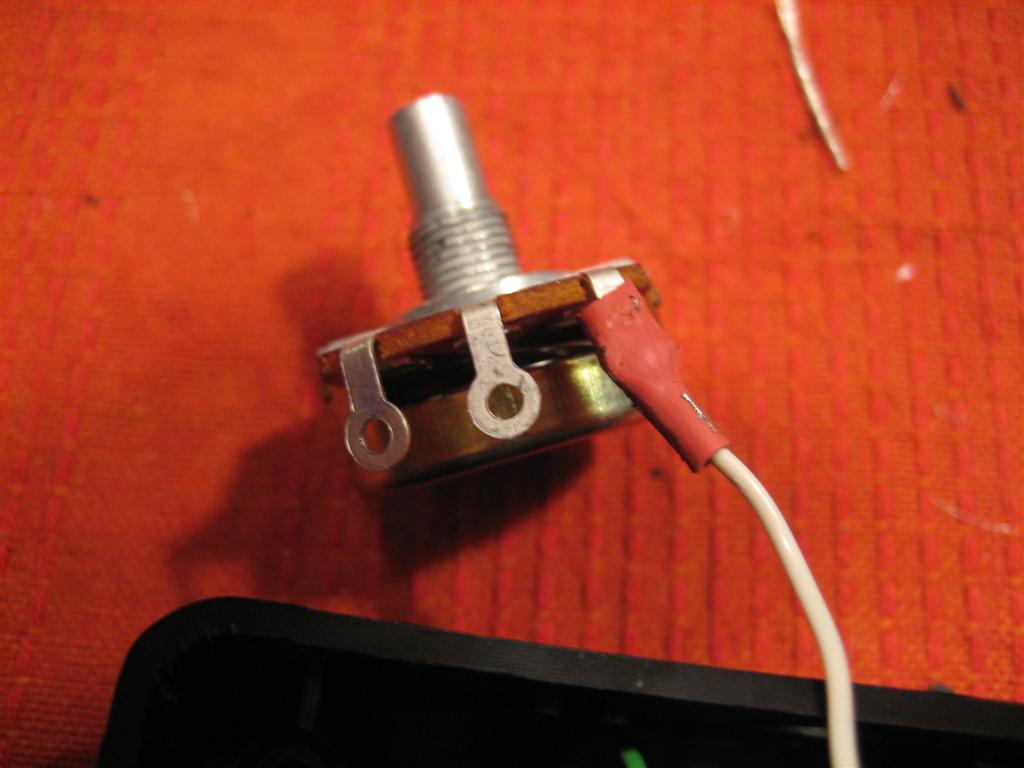
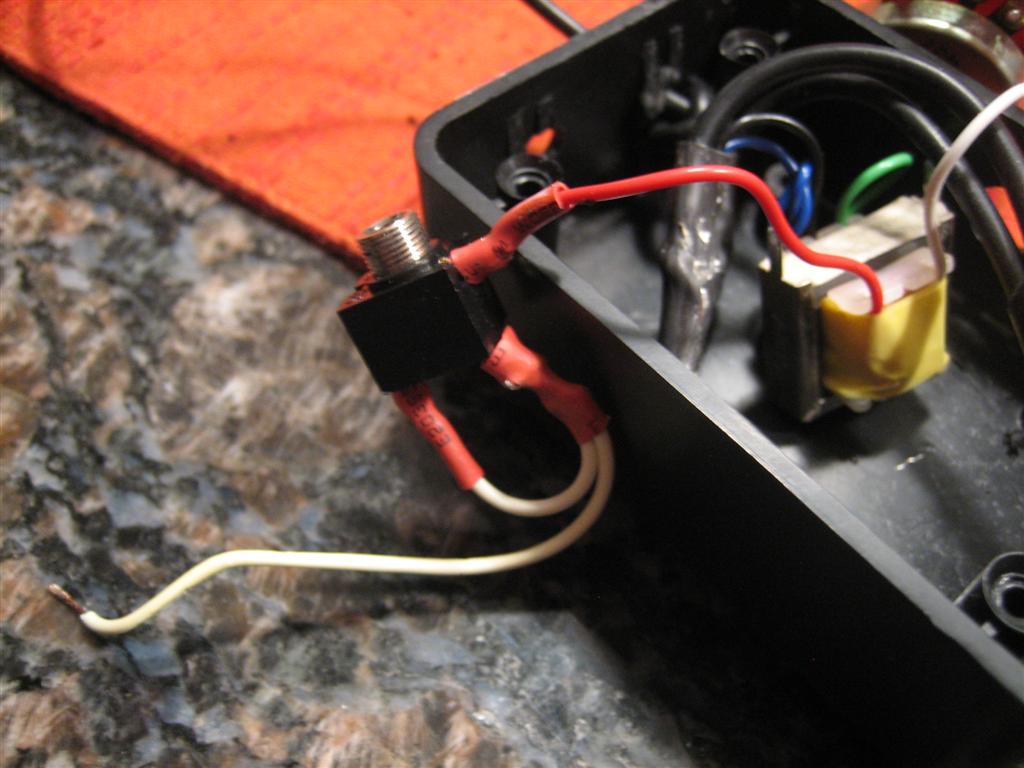
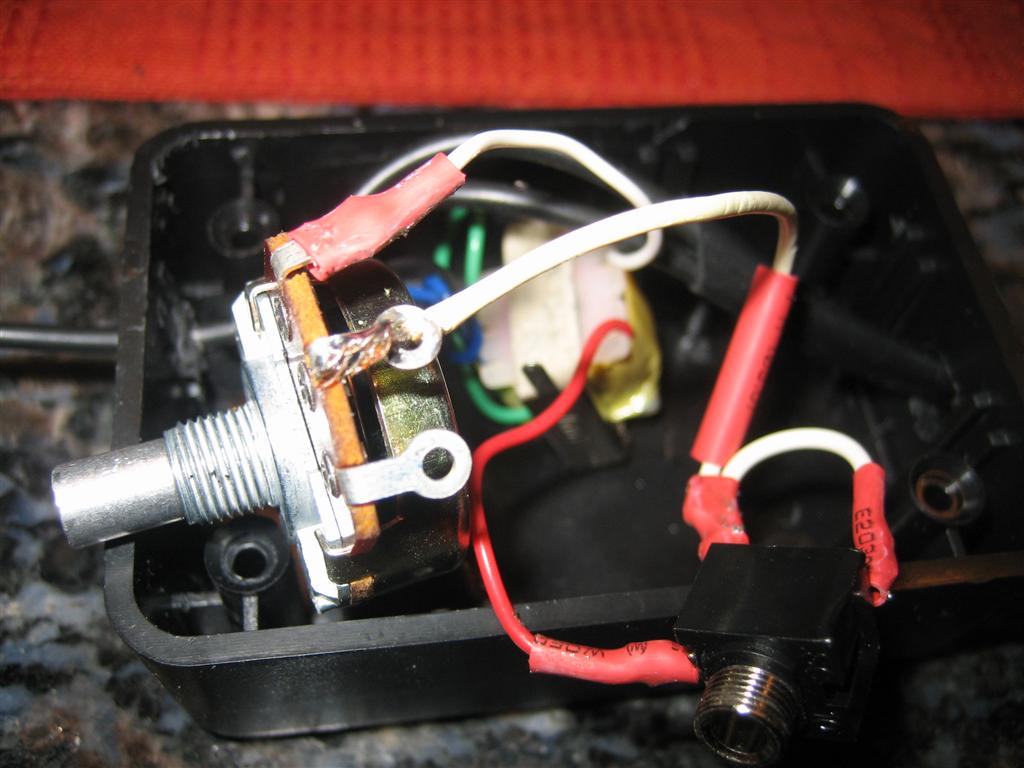
Then, I hooked up the white wire from the secondary (8Ω) side of the transformer to the poteniometer.
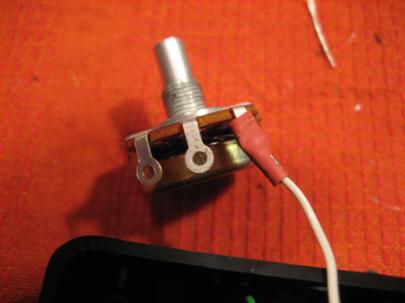
And a little heatshrink (which has some solder on it...oops) for vibration resistance.

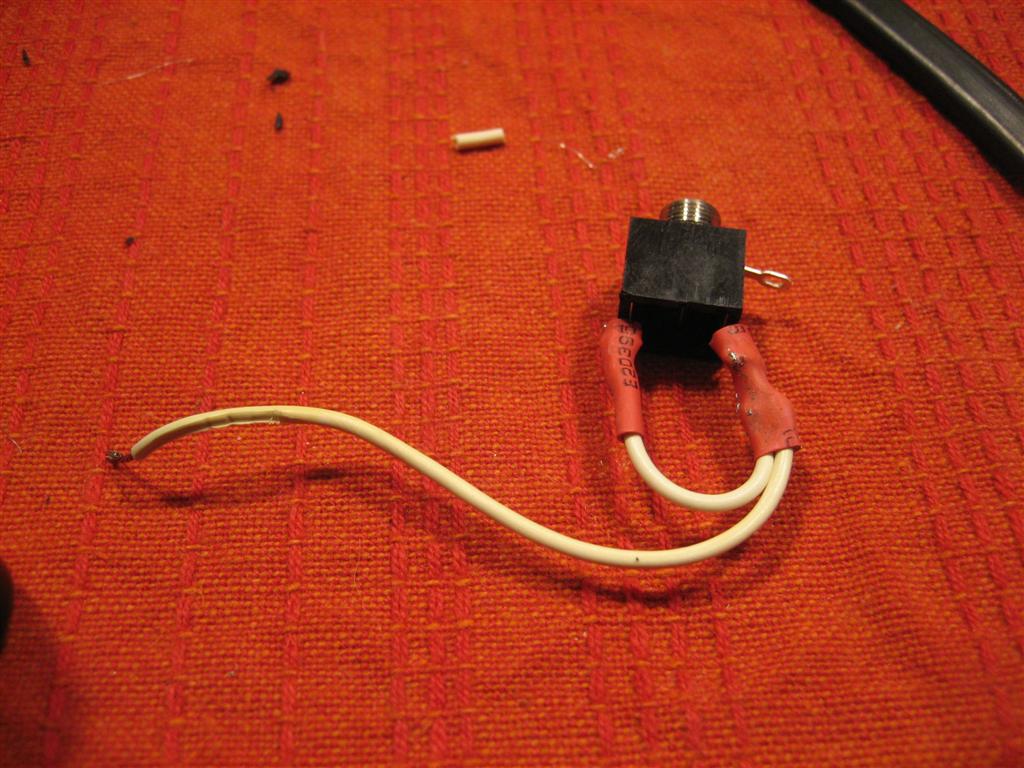
Then, I turned my stereo jack into a mono jack. (Remember from your wikipedia reading that tip is left, ring is right, and sleeve is ground.)
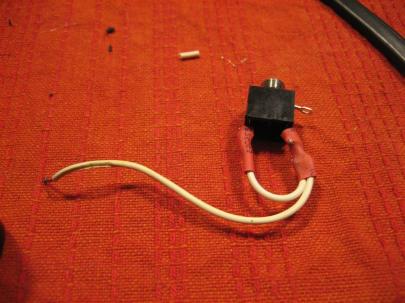
Sweet.

Then I hooked up the other wire of the secondary side of the transformer to the jack.
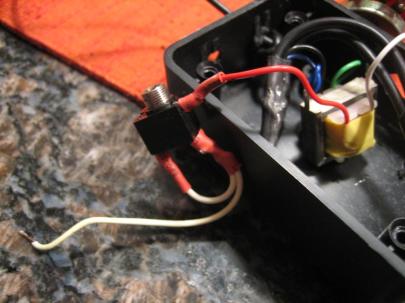
I'm getting close.

Then, the left/right side of the jack to the center connector of the potentiometer.

It's starting to get a little messy.

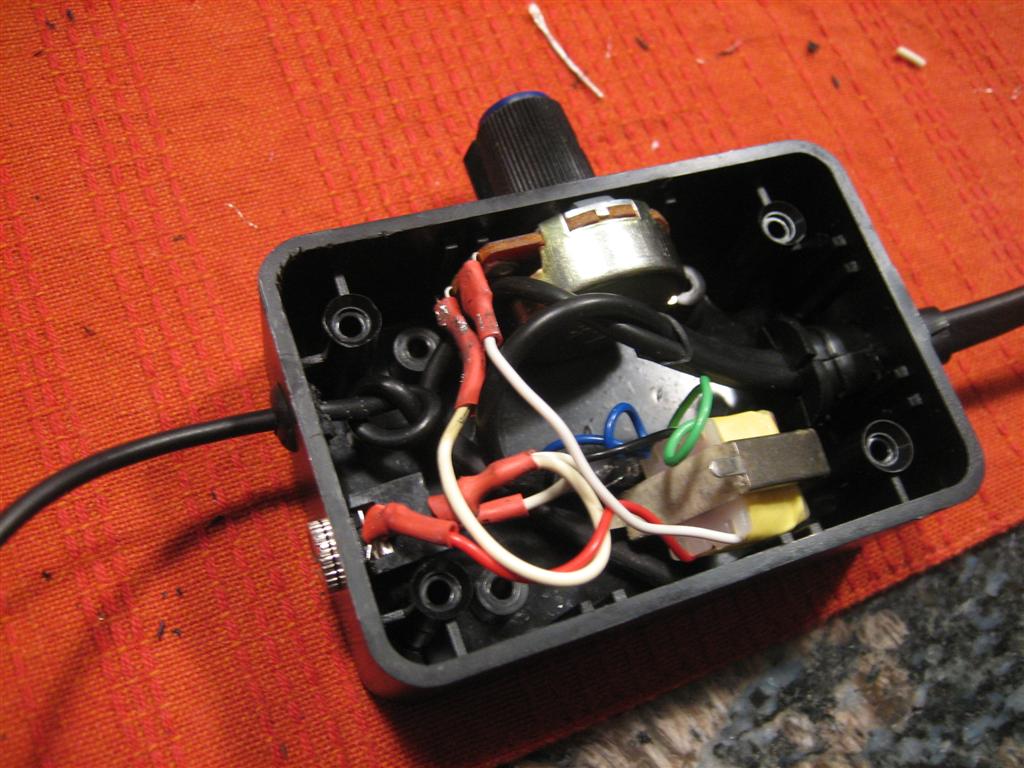
Then, very delicately mount everything and push everything into the box.
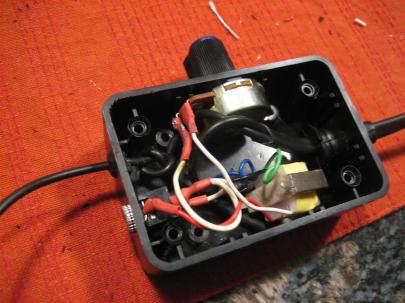
I think It's going to fit!!!

WUHOOO!
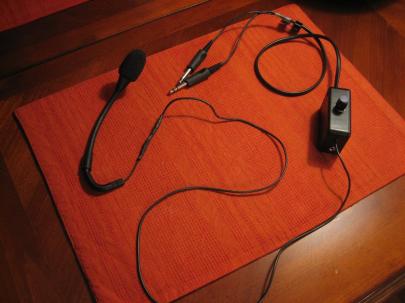
This is sweet. I can't believe I made this!

So, the existing mic from the old headset will somehow me mounted to my head (people have used heatshrink-covered piano wire, etc.), then that wire will go down, through my control box and into my audio panel through the old jacks.

My nice earbuds will plug into my control box, then go through the potentiometer (for volume) and the transformer (for impedance matching) and then to the audio panel.

As a test, I plugged my David Clarks into my home stereo system and set it to a reasonable volume. Then, I pulled in my new earbuds into my DIY headset box, then into the stereo (having turned down the volume on the box) and then slowly started raising the volume without touching the stereo system volume. When I got close to full volume, the volumes MATCHED!

WUHOOOOO!

I’m going to trust that the microphone works just like it did before, since all I did was unsolder and resolder. Now that I know the volumes match, I’m pretty sure this thing is going to work.

Tomorrow at work I’ll plug them in and see how it works.

Someone’s going to need to give me a ride in their airplane so I can compare the David Clarks with the new headset. (I’m also curious to see if my Klipsch earbuds are going to be as noise-attenuating as they are normally.

Another great night! (Doesn’t count as build time, though, since it’s not RV specific.)

Prev | Next

Clecoed Bottom Skins and Leading Edge on Right Wing

January 31, 2011

Prev | Next

Oh man, what a great day!!

After some good advice to stop worrying about the wing twist too much (“you’ve got a pre-punched kit, it’ll work out”), I got started on some of the next tasks on the right wing. First, I clecoed on the right top skins, and then grabbed the right leading edge and sat it on the main spar.

Looks like a wing!

Oh wait. One of the next steps is to trace some lines on the lower skins (forgot those) that intersect at the tiedown hole so I can transfer those lines to the leading edge so I can verify that the leading edge prepunched hole for the tiedown is correct. I haven’t attached the tiedowns yet, so I went searching for the hardware.

Apparently you need an AN3-7A bolt, a couple AN960-10 (and L) washers, and an AN365-1032 nut.

I couldn’t figure out which washer (skinny or fat) goes on which side of the spar, so I looked at the tiedown area of one of the drawings (can’t remember which one.)

First, though, I have to finally sort out which washer …-10 or …-10L is the skinny one. Turns out, I should remember that “L” means “lean” (not really, but that’s how I’ll remember it.

AN960 Flat Washers
Bolt Size OD Thickness Part No.
#10 0.438″ 0.063″ AN960-10
#10 0.437″ 0.032″ AN960-10L

Anyway, I hope that having looked that up now, I’ll remember which is which.

Okay. Looks like the -10L washers go on the bolt head side of the AN3-7A bolts.

Then, I realized that I don’t really need to tighten these things up. I’ve got some work to do in the future on the bellcrank brackets and bushings, etc., so I really just need to set these in place.

After putting the four bolts through the tiedown and clecoing on the bottom skins, I've got this.

Next, they want you to draw a few lines on the bottom skin that intersect at the tiedown hole.
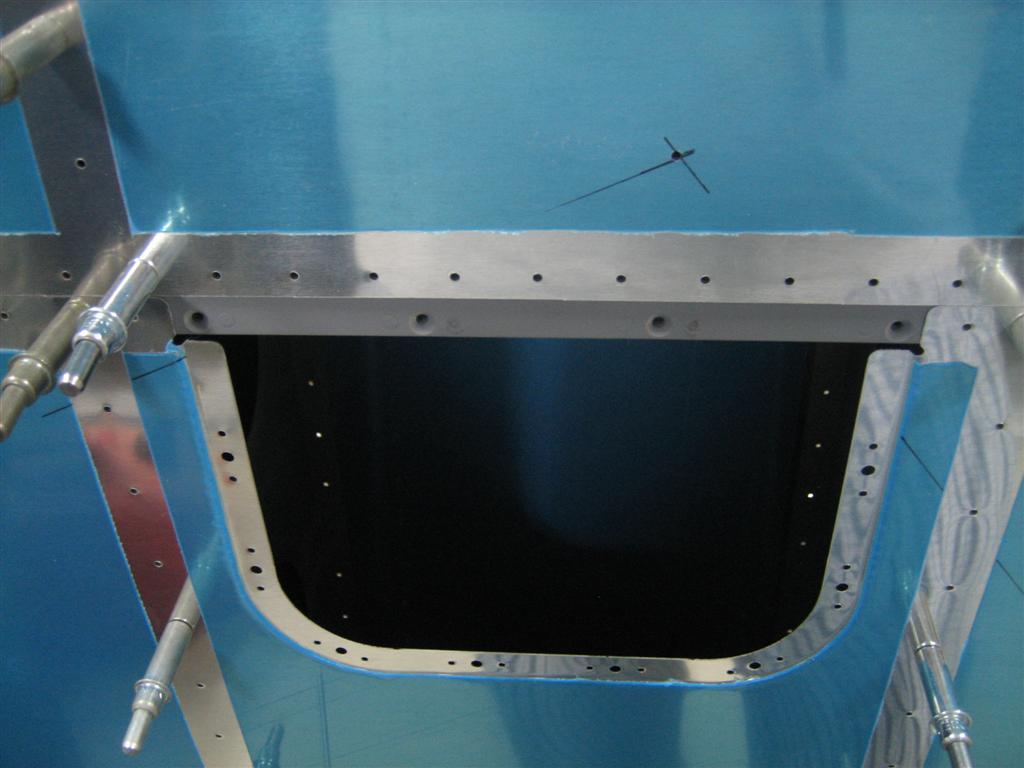
You can just barely see my lines on either side of the access hole.

Next, I slapped the leading edge into place (but first had to notch my angles…bummer).

I only had to notch very slightly. Still very annoying to me.

After starting (pronounced “attempting”) to cleco on the leading edge, I realized I am going to need some mechanical advantage to snug everything up so I don’t have to use the clecos to pry things into place (a big no-no).

I got out a few 2x4 scraps and placed them against the rear spar. (This is so the straps don't put any pressure on the aft end of the skins.)

Strapped! (Not very much, just enough to act as a third hand while clecoing.)

After a good  30 minutes of the most difficult clecoing on the project, I had the leading edge nice and secured to the right wing.

Notice the amount (lots) of clecos on the aft part of the leading edge.

I think this is just a picture of the bottom side of the right wing.

Then, I extended my lines back onto the leading edge.

The intersection of the lines is sooooooo close.

I didn’t really believe I was off a little (although this is normal), so I grabbed this picture from the inside. (Depending on how precisely you place the tiedowns when you measure and drill them to the spars, you’re hole may be off here.)

That little tiny light is so close to the center of the tiedown hole, I'm going to start there, and file a little bit in one direction if I have to adjust.

Anyway, I decided I don’t want to start on drilling the skins to the skeleton until I do some more clecoing. I’m going to break down and just order like 400 more clecos before drilling. It can’t hurt to cleco every other hole (Van’s suggests every 4th hole before drilling)…things will only be lined up better, and since I’m already worried about twist, this will help me sleep at night.

A quick survey of tool joints yields the following for 3/32″ spring cleco prices.

3/32″ Spring Cleco Prices
Source Price per Cleco
Aircraft Spruce $0.43, plus shipping
Avery Tools $0.42, free shipping >$95
Brown Tools $0.44, 0.42 if >100, free shipping >$95
Cleveland Tools Website is not working…
Vans Aircraft $0.40, plus shipping
The Yard Store $0.40, free shipping >$100.
PlaneTools.com $0.79…WHAT?!!
Aircraft Tool Supply $0.49, plus shipping.
Innovative Tooling Services $0.35, free shipping >$100

UPDATE: Just found Innovative Tooling. The picture on the page for 3/32″ doesn’t show a silver cleco, but I’m assuming they just used the same picture. Just placed my order, we’ll see how they are when they arrive.

OLD: Looks like the yard store wins…they used to have bulk used clecos in 3/32″ size, but I called today and they are out. I’ll have to order new clecos, but bummer they are still $0.40 each. (By the way, who gets off selling clecos for $0.79 each?)

Anyway, I”ll order some tomorrow. One last picture of the WING! that’s in my garage tonight.

This makes me happy.

1.5 GLORIOUS, PRODUCTIVE hours. Night’s like tonight make all the other crappy nights worth it.

Prev | Next


Continuing to Level Right Wing Skeleton

January 30, 2011

Prev | Next

Well, I keep chugging along on this right wing skeleton.

Except by “chugging,” I really mean “don’t seem to be making any progress.”

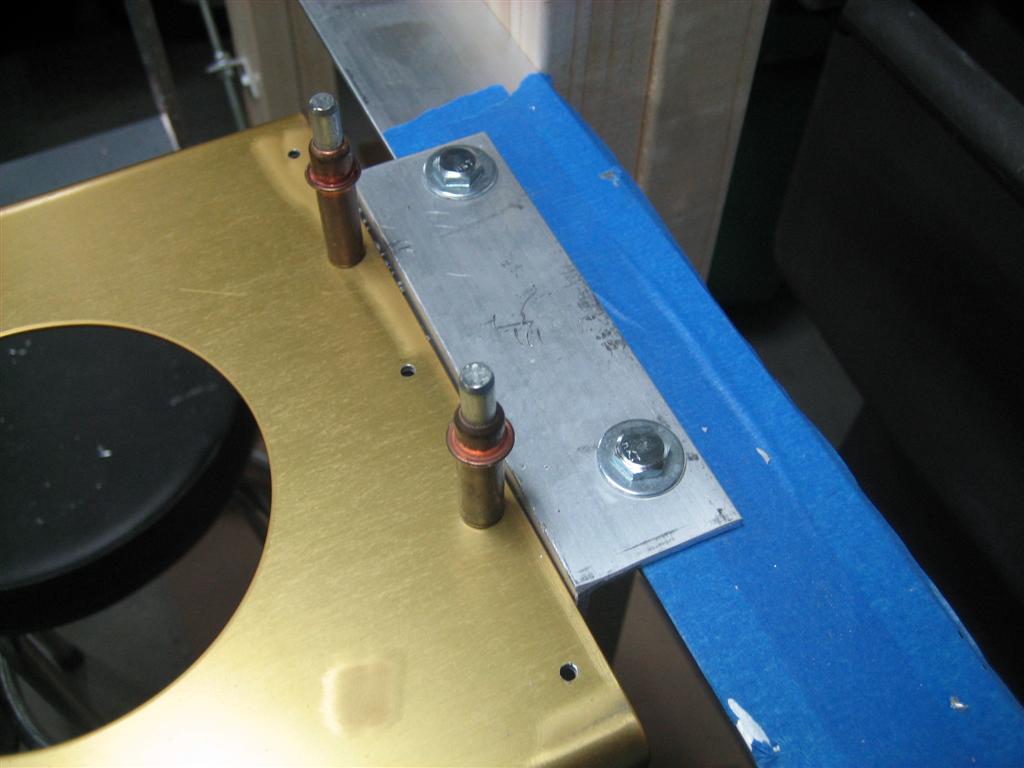
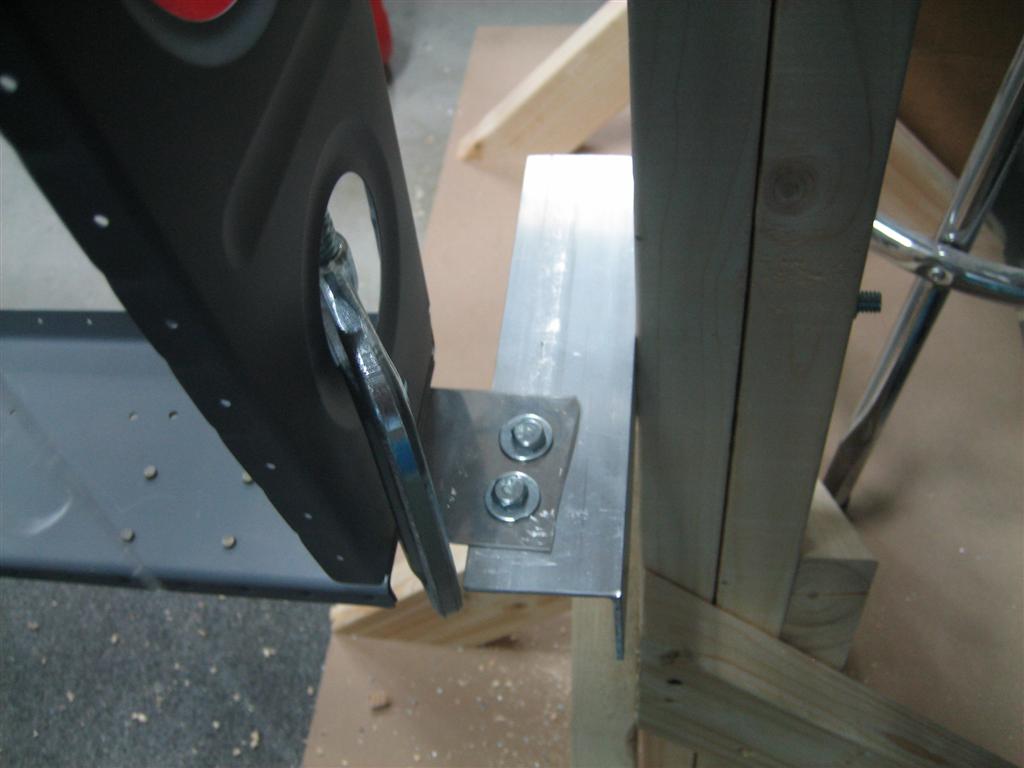
First thing, I wanted to free up one of my clamps, so I drilled and bolted the outboard rib’s special angle to the support of my wing stands.

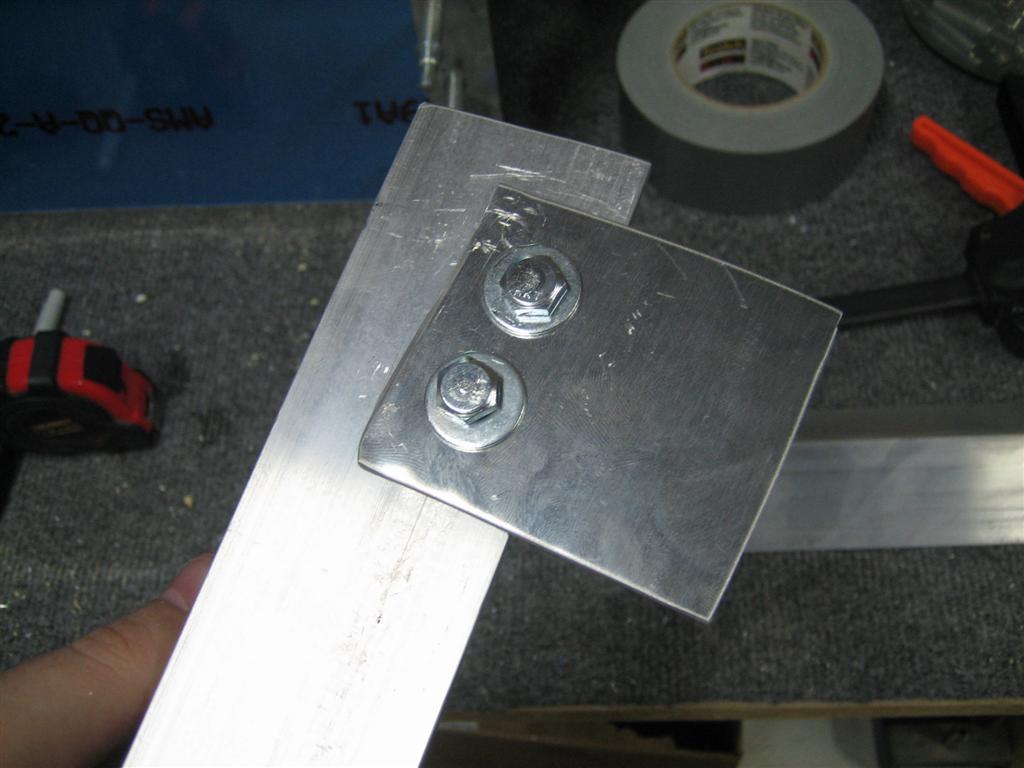
Here’s my first mistake. I was really careful to line everything up the first time so I wouldn’t have to notch the support angle to accomodate the skins (which overhang the spar end). I didn’t remember this on this go around, so now that they are bolted in, I’m going to have to notch the supports.

No big deal, but just annoying that I forgot.

A couple of 1/4" bolts will do just fine here.

Unlike everyone’s very pretty lower outboard support, I made an ugly one.

See? More ugly. (Functional, though).

After getting it clamped to the rear spar, I used my air drill and a 3/8″ bit to drill a hole for a 3/8″ bolt.

I'm not sure why I took this picture.

Here’s the inboard rear spar support.

Inboard rear spar support.

And the outboard rear spar support.

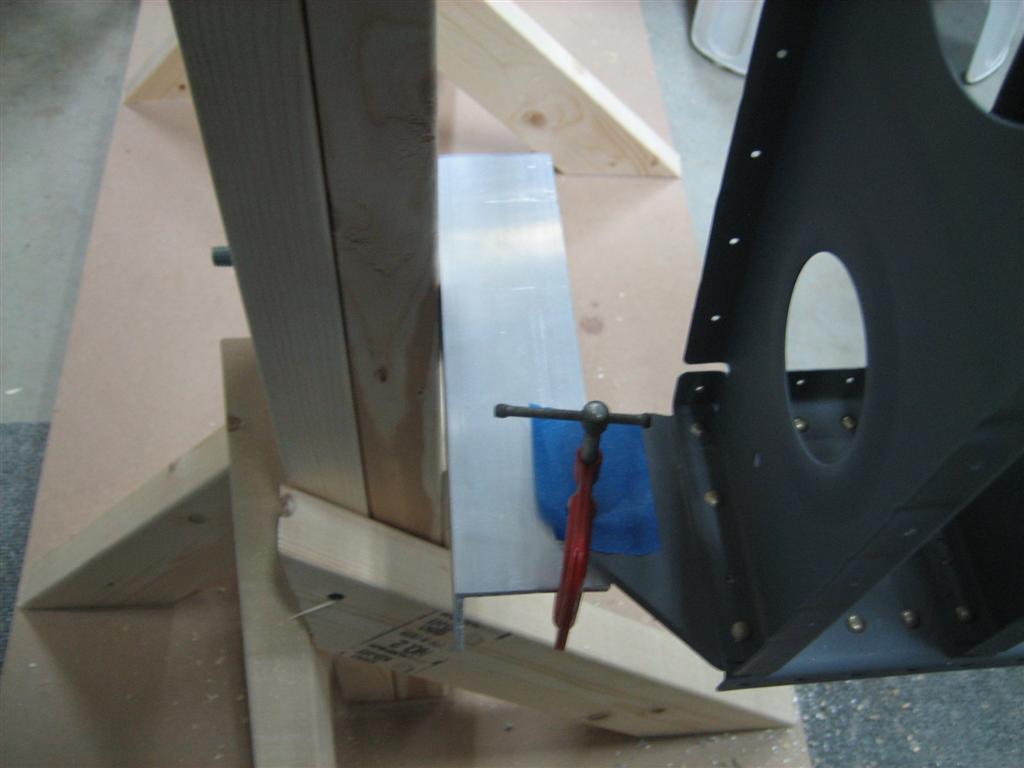
I'm using the clever clamping trick that many builders before me have used.

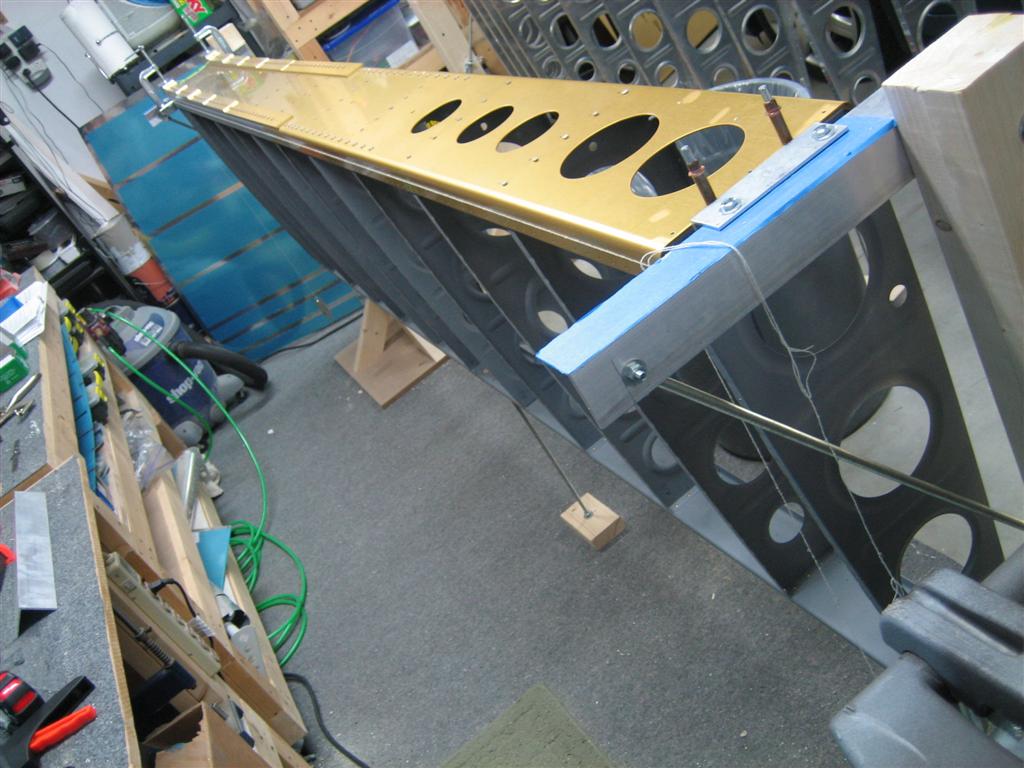
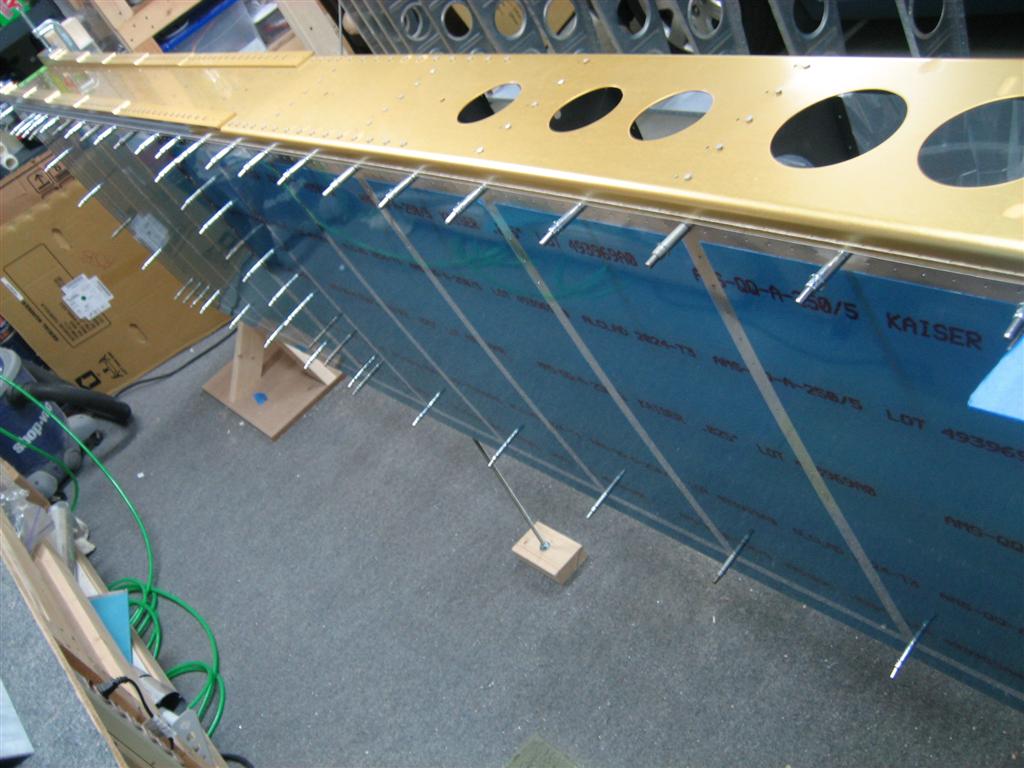
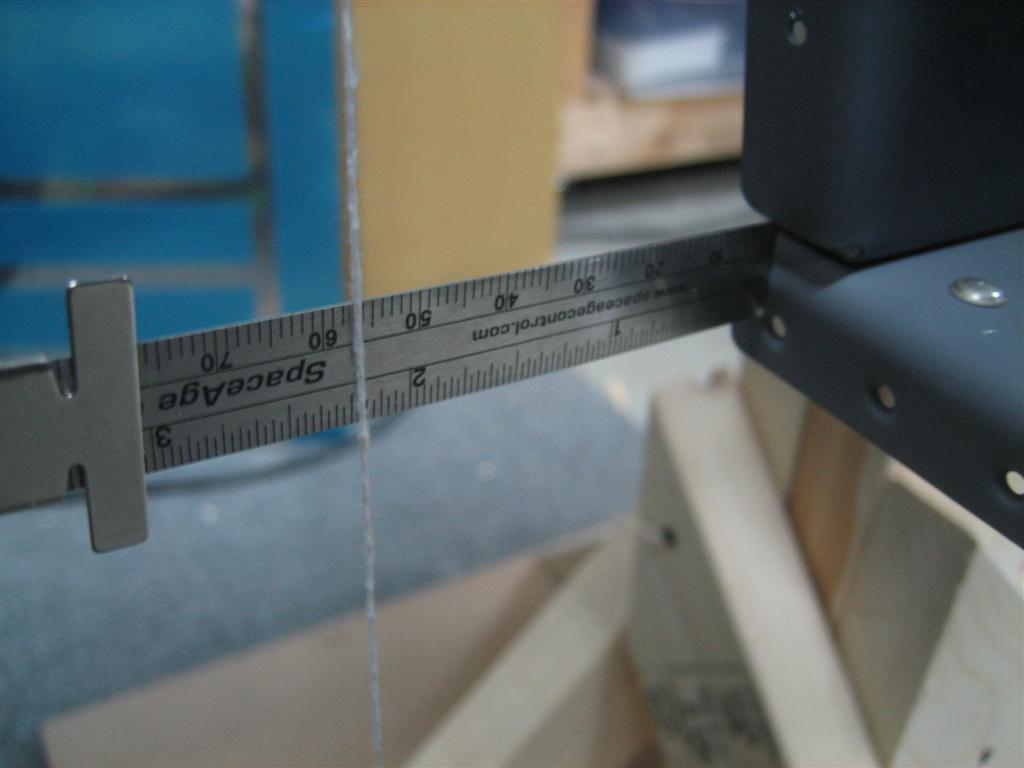
Then I spent some time leveling the spar to 0.0°. After that, I dropped some plumb bob’s and carefully measured from the plumb bob string to the top of the rear spar. The outboard side showed 2 1/4″, and the inboard side showed 2 3/4″. A half inch of twist doesn’t sound like a lot, but of course I wanted this to be perfect.

I chose to split the difference. I pulled the outboard edge of the rear spar down (aircraft axes) and clamped, then pushed the inboard side up and clamped.

Here’s my problem. It seemed like I really had to push the spar to get it exactly where I wanted it, and there was plenty of (what I’ll call) springback force.

After clamping the rear spar in place, I remeasured the spar, and it was now no longer square. (Of course, moving the spar edges moves the ribs, which twists the main spar.)

I releveled the main spar and really tightened up the clamps. I’m now level with the main spar and within 1/32″ on the rear spar.

I’m sure I can get it even closer, but I’m worried about how much force I’m holding with the clamps.

Here's a picture of just the skeleton, squared up within 1/32" (I want to improve this).

To see if I was close with the skins, I clecoed them on. They fit great.

Another picture with the skins clecoed on.

Anyone have any thoughts? Have any other builders seen a lot of force required to straighten the wings?

Jan 31st update:

Oh man, I love the forums. bkthomps had the following to say:

did you put skins on yet? you’re on the prepunched kit like i am, the twist thing is a null issue- once you cleco both sets of skins on, it will be dead on, other than the slant of your stands/garage floor.

and

I followed jamie painter’s blog and decided not to spend countless hours with the lasers/bobs/etc that I had and I just built the wings doing only the basic level checks and a string down the spar length to get rid of the droop, after finishing them, they are dead level in every dimension, if that helps w/ encouragement.

1.5 frustrating hours. (After talking with bkthomps, I am much happier. I’ll push on now and verify straightness after clecoing both sets of skins on. Wuhoo!)

Prev | Next


Started Leveling Right Wing for Good

January 25, 2011

Prev | Next

Well, tonight was kind of crappy. I started leveling the wings and ended up undoing all the work I did last time (clecoing on the skins felt productive!).

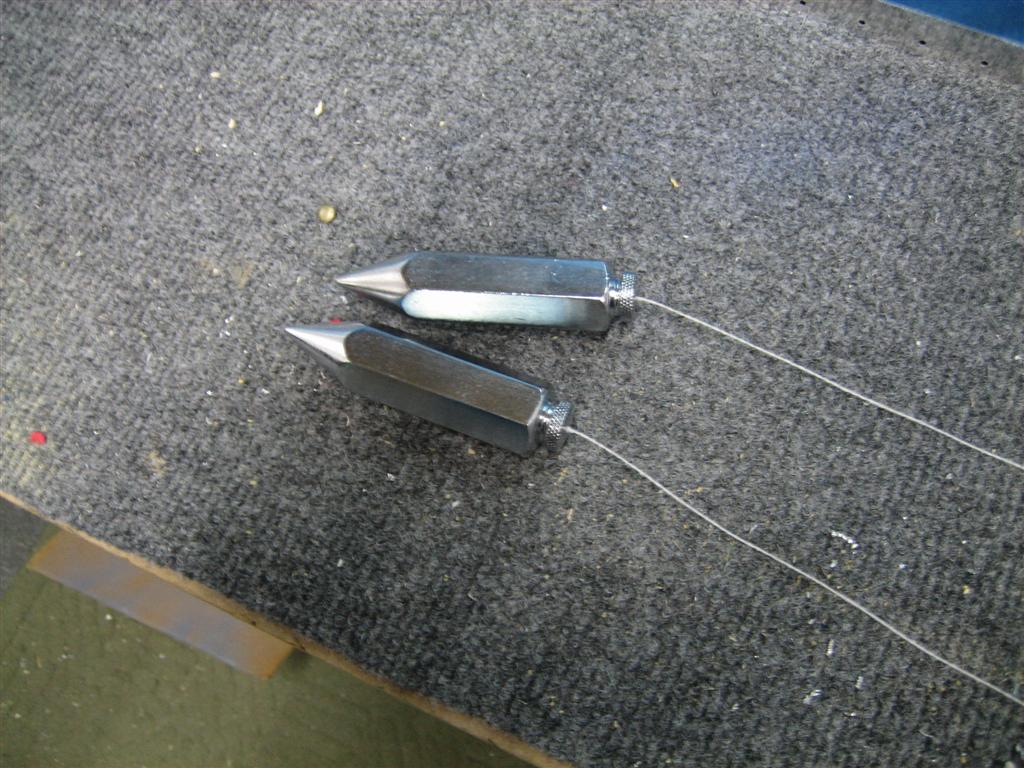
First, I set up my two new plumb bobs with some string.

Exciting picture, huh.

Then, I hung the plumb bobs and realized that with the skins clecoed to the wing, I wasn’t going to be able to easily clamp the skeleton into perfect alignment. Instead of messing with it, I quickly made the decision to backtrack and get to a bare wing skeleton for alignment adjusting.

After pulling off the skins, I played a little with my adjustable stands and realized I’m going to need my lower braces before going any further.

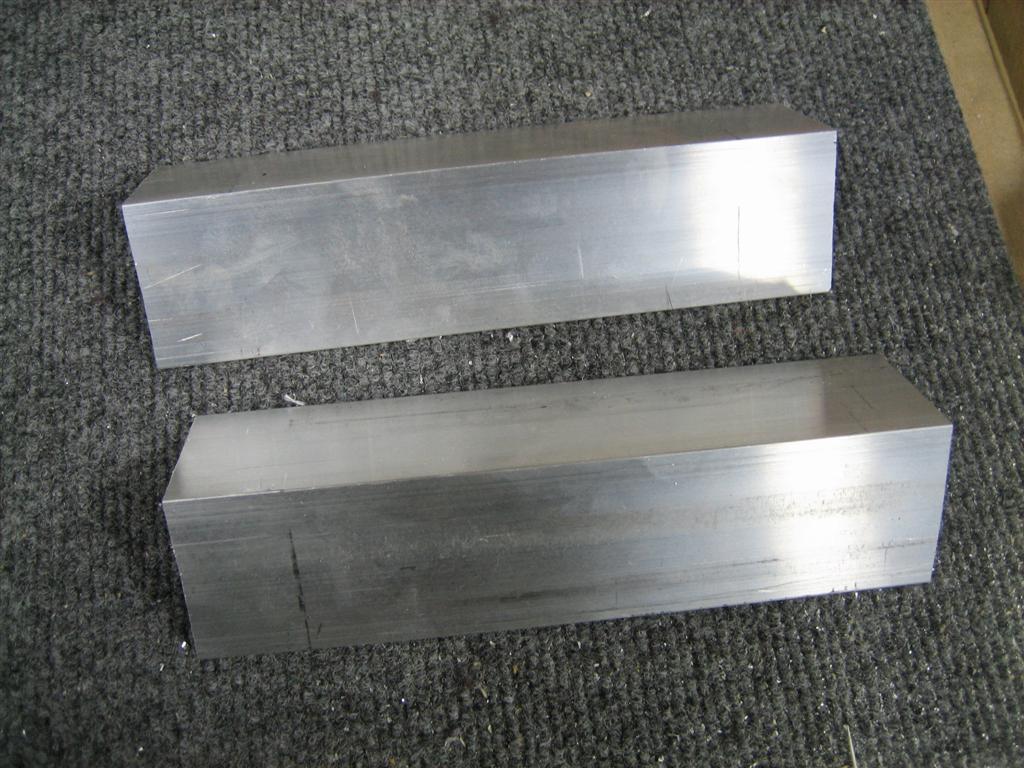
I cut two 8-inch pieces of angle to use for the lower braces. One of these will need an additional piece of aluminum before clamping to the outboard rib.

I didn’t have time to mount up my angles, so all I did before going inside was to more accurately measure the wing twist.

At the inboard edge, looks like I have 2.25".

The outboard edge is pretty much at 2.75."

Hmm. That’s a 1/2″ of twist.

I think after clamping the aft spar in place, I’ll be able to minimize the twist. Maybe more tomorrow.

1.0 hour.

Prev | Next


Right Wing Top Skins Clecoed to Skeleton

January 23, 2011

Prev | Next

Alright, I was having a bad day with the rear spar, so after I got most of it riveted on, I moved on to the skins.

I jumped the gun a little and clecoed on the top outboard skin (jumped the gun because the spar wasn’t re-leveled and the inboard skin outboard edge actually underlaps the outboard top skin.

Anyway, with just two clecos in the skin, I was able to thread some string around a cleco on either end of the spar to jack up the center of the rear spar.

The string is supposed to line up with the top of the smaller holes on the right.

After some jacking, the spar is now perfectly straight.

Nice and straight.

Next,  I pulled out the top outboard skin. This is the right version (they are actually the same from Van’s, but I had pulled off the vinyl on the side I intended to be the interior side for the wing walk doubler.

The devinyled part in the foreground is where the wingwalk doubler will sit.

Many builders before me have complained that Van’s wants you to trim the provided doubler from 10″ to 9 3/8″.

Many builders have left it at 10″, then matchdrilled to the skin, then found out there is a matchdrilled hole that violates edge distance.

It would probably be okay, but why include that extra 5/8″ strip of 26″ long aluminum if you don’t have to?

IT’S WEIGHT SAVINGS!!!

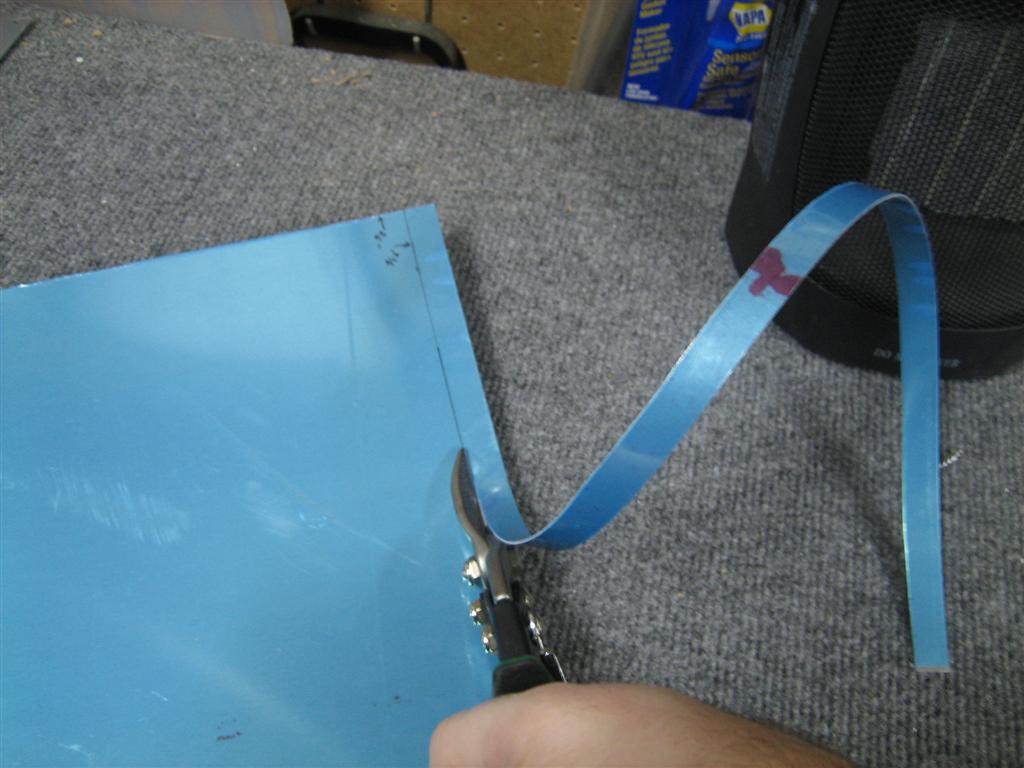
Anyway, my snips do a great job with this aluminum, so I got to it and started edge finishing.

”]Then, you line up the forward edge of the doubler 9/16″ from the forward edge of the top skin.


See my little sharpie mark?

Then, tape that bad boy up, assuring that the inboard edges are flush.

Taped!

Then, you flip the skin over and start matchdrilling. I used clecos every so often to hold everything together nicely.

About halfway through, I lifted up the assembly to check on progress.

Looking good.

After more drilling…

Done!

I pulled apart the skins to clean everything up. Lot’s of aluminum shavings everywhere.

Sorry for the blurry picture.

Then, I spent a few minutes getting the top skins clecoed on.

Wuhoo! it's starting to look like a wing!

This is the less exciting under side.

This was a nice positive finish to counteract my riveting blunders earlier. I’ll talk to Van’s about the rear spar.

I hope I don’t have to replace it.

0.5 hours of clecoing fun.

Prev | Next


Riveted the Right Rear Spar to the Main Ribs

January 23, 2011

Prev | Next

Well, today was a crappy day. I had mucho problems with riveting the right rear spar to the main ribs.

I’ll walk you through what happened.

I started with the inboard side of the spar. The plans call for an AN470AD4-8 rivet. As you can see below, this is a little for a good shop head.

...AD4-8.

Here's an ...AD4-9 rivet. This looks better.

After some gymnastics with my good squeezer, which only has a 4″ no-hole yoke on it, I realized that I needed the holed yoke, and therefore needed to use my economy squeezer. Bummer.

(Back in the empennage, I stopped squeezing AD4 rivets altogether because I kept messing them up; the economy squeezer just didn’t have enough oompf.)

Anyway, I managed the wingwalk rivets with the smaller squeezer. Here’s 9 rivets squeezed.

I couldn't reach the top-most rivet in 3 of the 4 wingwalk ribs. (The other open hole in each of the rib attach points needs to wait for the flap brace.)

I moved my way outboard from there, two rivets in each rib.

Halfway there, I bent over both of the rivets in the aileron pushtube doubler area, and drilled both of those rivets out. Then, the aileron gap seal switches “open” rivets (compared to the flap brace) so of course I set a two rivets there that had to be drilled out.

When I got to the end, I noticed things weren’t lining up very well.

Duh. Forgot to dimple the aft side of the outboard rib.

That's better.

I still couldn’t reach the one rivet (shown on the left here), but I got the other 3 set properly.

The apparent gap between the two flanges isn't really a gap, its just the shadow.

Let me bring you back to the very first rivet I set. The camera is upside down here (so the part is right side up).

The upper, leftmost rivet bent over (it was the first one I set with the economy squeezer). After drilling out, the hole was englarged.

With only slightly enlarged holes, sometimes you can just squeeze another rivet (a little longer this time) and it will expand to fill the hole nicely.

This is after setting another rivet.

This one did not properly expand, and by the time the shop head was formed, it kind of formed in the hole.

Hmm. I know this is a critical piece, so I’m going to have to call Van’s and ask them what the best course of action here is.

I’m hoping I can step up to a AN470AD5-9 rivets, but I’ll need to drill the rivet and hole out to 5/32″ and I’m worried about edge-distance in the up direction.

We’ll see what the guys at Van’s have to say.

January 31st update: Ken S at Van’s wrote back.

A 5 rivet should work ok. If you can fill the hole with the original rivet, that’s ok too –even with
a slightly undersize head. Just be sure that the rivet engages the entire circumference of the
hole.

Alright. I’ll have to add AN470AD5- rivets to my next order from Van’s or Aircraft Spruce. In the meantime, I’m going to keep working on other stuff.

U-G-L-Y, you don't have no alibi, you ugly! {clap, clap} You ugly!

1.5 hours and 28 stupid rivets set (my arms are tired from the economy squeezer); 8 of those drilled out.

I’m going to have to buy a new yoke ($$$) and probably do some surgery on the offending rivet in the last picture.

I’m stopping this post and starting another one (click next below) because I moved on to the skins. I really needed to end on a good note today, and the skins actually did the trick.

Prev | Next


Finished Riveting Right Wing Main Ribs to the Main Spar

January 21, 2011

Prev | Next

Well, after a quick workout, I manage to get a few rivets set in the main spar.

I quickly got 6 of the 7 remaining right main ribs riveted to the main spar (the outboard rib doesn’t get riveted to the main spar because it shares rivets with the leading edge outboard rib…the rest of them are slightly offset from their leading edge rib neighbors.)

Anyway, after 30 rivets set, I decided that 6 of them needed to be drilled out. Here’s a good example.

Those are called "smileys."

I know exactly why it happens. It’s because I am watching the bucking bar and shop head form. When the shop head is set appropriately, I’m subconsciously lifting the bucking bar away from the shop head before letting go of the rivet gun trigger. The rivet set bounces on the head and creates the smiley.

Of course, when I concentrate on letting go of the trigger first, all goes well.

Anyway, I’ve been trying a new technique with drilling out these AD4- rivets. I’m actually drilling them out from the shop head side. Assuming the shop head is centered over the hole, it is easier to center-locate the drill bit on the flat shop head than the rounded manufactured head. Here are a few pictures of my good results.

I didn't get any oversized holes at all.

Here either.

Here’s what the drilled out rivet looks like.

I started from the shop head side (left here) and finished just prior to hitting the manufactured head. This worked great for me.

After re-setting those 6 rivets, I snagged a picture of all (except for the outboard) ribs riveted to the right main spar.

Wuhoo! Big pieces permanently together!

I flipped the spar over on the stand and clecoed on the rear spar.

One cleco in the rear spar for each rib.

I may get to riveting the rear spar tomorrow…we’ll see.

1.0 hours. 30 rivets set, 6 of them drilled out and re-set.

Prev | Next


HID Landing Lights…First Look

January 20, 2011

Prev | Next

Well, I got a couple fun things on the doorstep today.

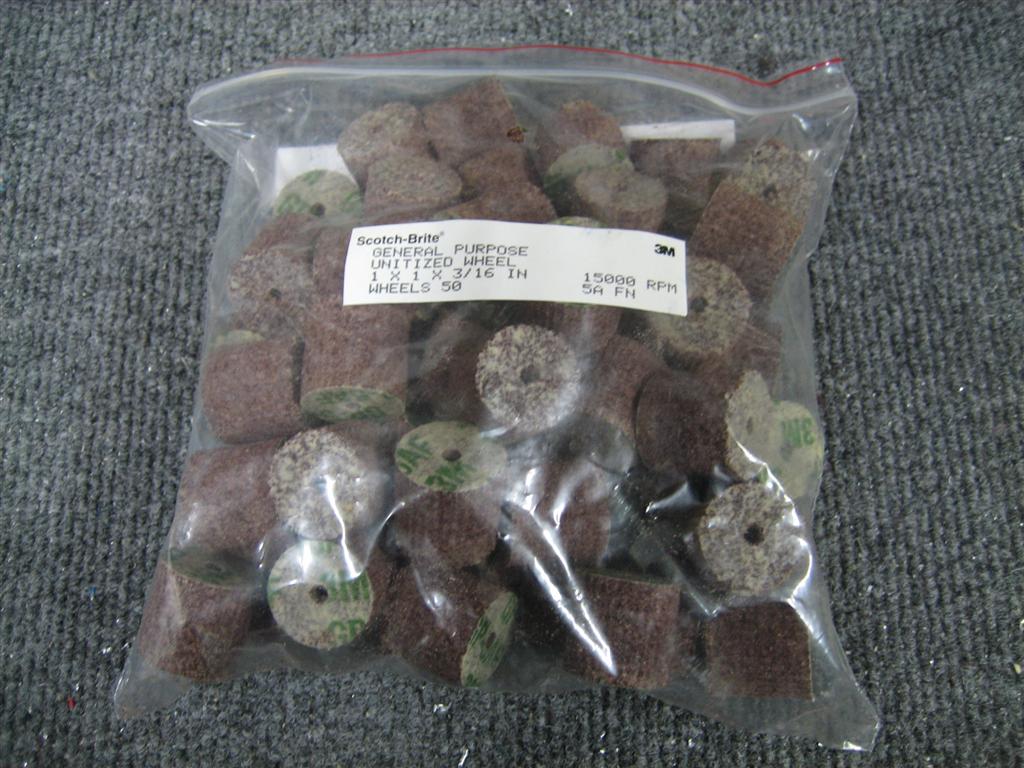
First, a bag of fifty 1″ scotchbrite wheels from Surplus Sales of Nebraska. $15 for the whole bag (instead of $6 per wheel from somewhere like Avery…) I have to credit Bruce Swayze with the find, though. Thanks Bruce.

Full disclosure, these are 5AF wheels, so they are a little softer than the 7AM wheels that most of us have from the aircraft tool suppliers.

50 Scotchbrite wheels. Good buy.

Then, I have a more mysterious box.

I figure it’s my new DDM Tuning HID raptor kit.

After a ton of reading (and especially after seeing a couple videos), I’ve decide that the leading edge light is really the way to go. Now, I think I am going to put a single HID (PAR 36 style enclosure, ordered from Duckworks) in each leading edge for landing lights. These won’t wig-wag. I went ahead and ordered a Raptor HID kit from DDM Tuning.

They had a whole bunch of bulb type options, and a $10 upgrade to 55W (from the $30 35W version.) You can also choose your bulb temperature. I chose 5000k based on the graphic they have.

To summarize, I ordered 55W, 5000K, H3 style bulbs. For $40, it’s worth trying these inexpensive HID lights instead of the $250+ lights from “aviation” companies.

Here’s Don Hall’s video (from this post)…fast forward to 1:15 into the video for the same light setup I’m looking for:

Anyway. Here’s the box.

Kind of discreet. I don't see a packing slip or any directions. Hmm.

Oh, then I took the rest of my primed right ribs and hung them up on my right wing spar.

Just to get them out of the way.

Crap, I didn’t take any good pictures of the lights, but here is one light after fitting it into the H3 enclosure from Duckworks.

Looks good here.

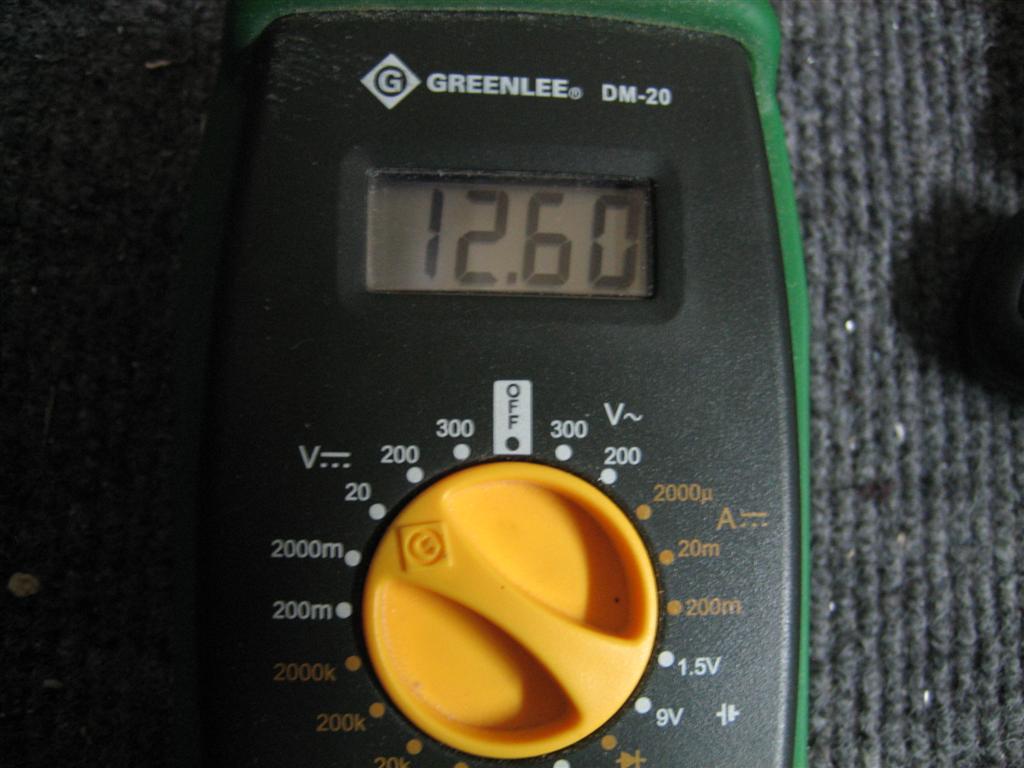
I hooked up my truck’s battery and noted 12.6V.

12.6 VDC

Then, I stuck the lamp in the mount from duckworks and propped it up on the table.

I originally had the blue and black wires switched. Apparently black is positive and blue is negative.

Here it is all fired up. You remember how bright my garage is, right?

Wow.

Then, after letting them cool, I took some video. I let it cool so you could see the warm up speed.

It’s a bad video, and poorly set up, but you’ll get the idea. When I get a multimeter that can measure more than 20 miliohms, I’ll set it up in series and capture loads.

At first, I have the light pointed too high, and you can’t tell how bright it is. After a second, I move it around, and you can see how well it is lighting up the yard accross the street (sorry, neighbors!). I’ll try to do a better setup next time, maybe with two lights, and maybe next to my trucks low and high beams for a comparison.

Off the bat, though, I am super happy about going with the two leading edge lights.

0.5 hours tonight. Not really build time, but I’m going to count it. (Hey, I put 7 clecos (with the ribs) into the right spar.)

Prev | Next


Finished Prepping and Priming Right Wing Main Ribs

January 18, 2011

Prev | Next

Well, not much tonight, other than me getting the rest of the right wing main ribs prepped and primed. Oh, and the Tar Heels pulled out a win against Clemson. Good game.

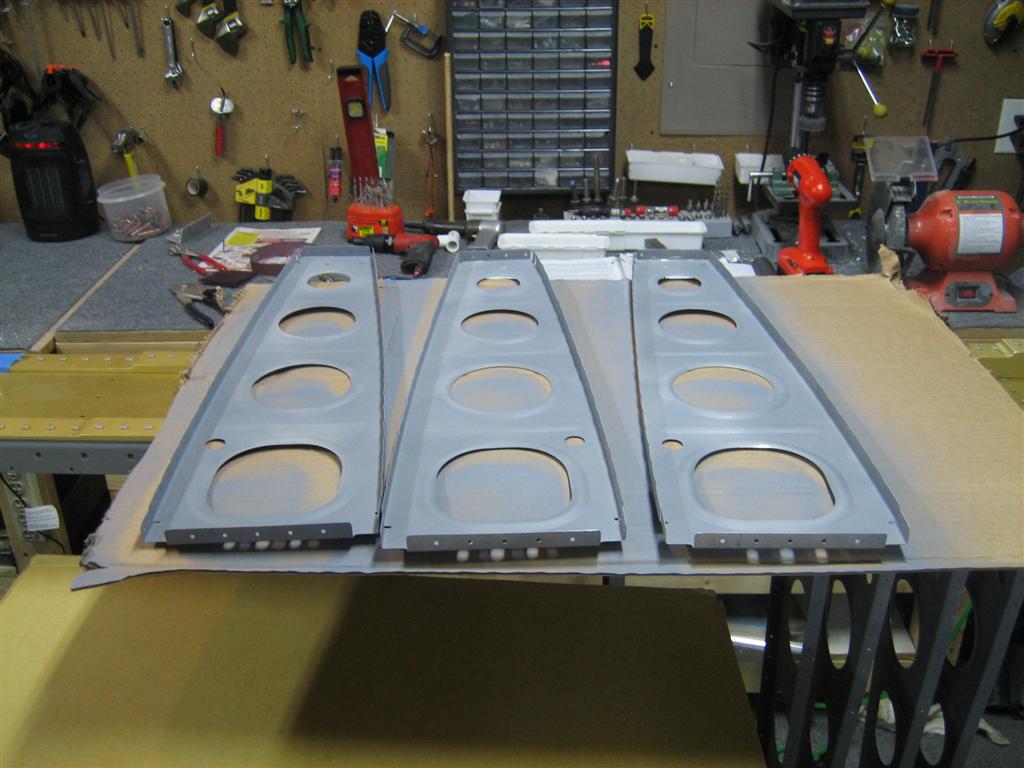
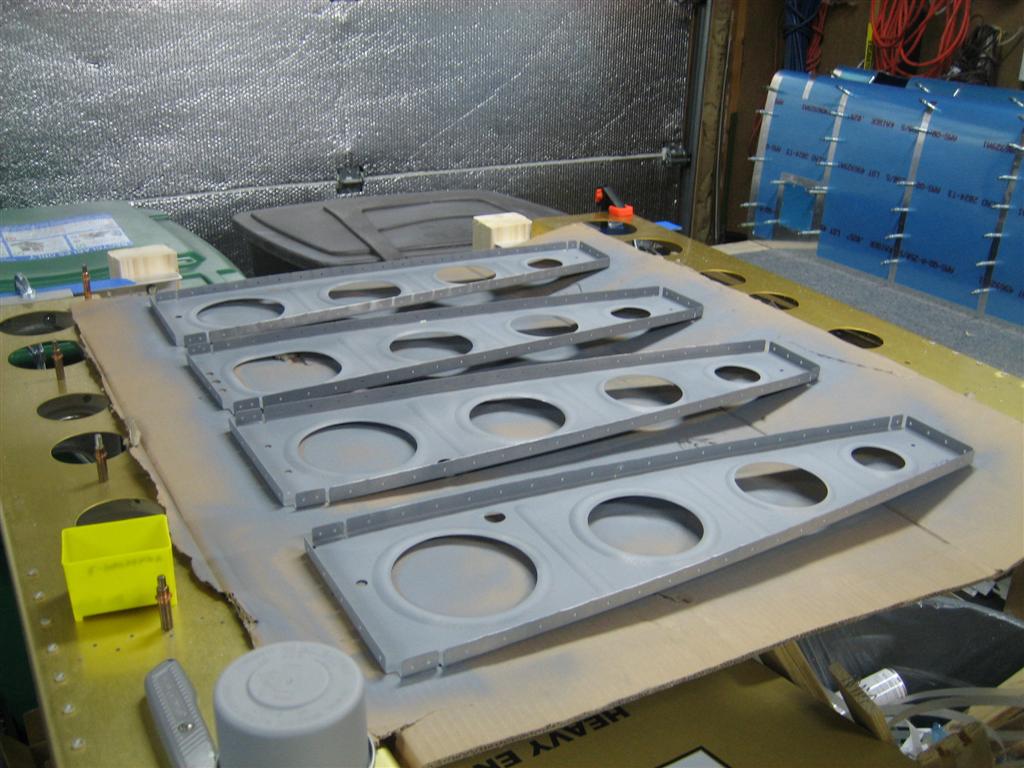
3 of the 7 that were left.

The other 4 of 7.

1.5 hours. I think with the right main ribs done, I may get them riveted to the spars and start working on some skins before returning to the hell that is rib prep for the left main ribs.

We’ll see.

Prev | Next